https://andro.io/app/zooperandkwgt
 Power 100

⚠ IMPORTANT
☑ You must have ZOOPER WIDGET PRO or KWGT installed to use these widgets
✉ If you have any issues please contact me by EMAIL
⛶ You can share your screenshots with me by EMAIL
🔗 LINKS
☆ Zooper Widget Pro: https://goo.gl/KR7Bq7
☆ KWGT: https://goo.gl/HVN4Qo
★ FEATURES
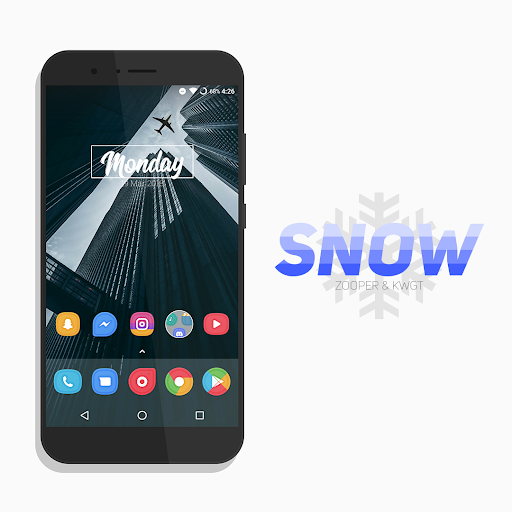
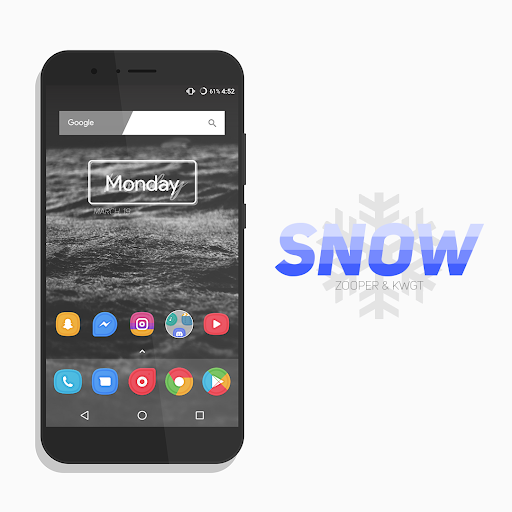
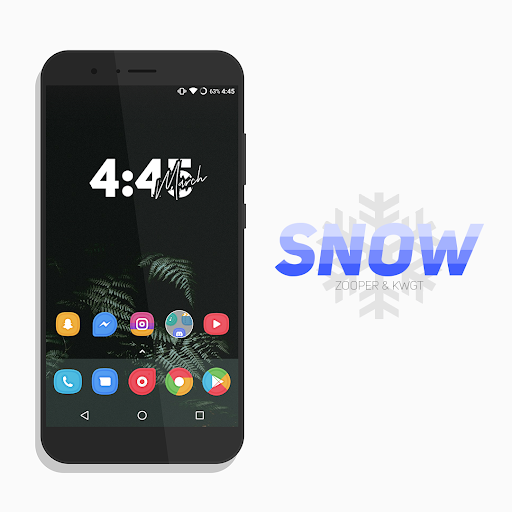
⚫ 15 widgets
⚫ Kuper Dashboard
⚫ 10+ HD wallpapersHOW TO INSTALL IT (Zooper): 1) Download Zooper Widget Pro2) Download Nova Launcher3) Download Snow - Zooper & KWGT4) Download Assets ( Iconsets, and Fonts )5) Add a Zooper Widget on your homescreen6) Click on and select Snow and choose your favorite widget7) Select the right grid and adjust the widget you have chosen if you need it.Dont forget to set "Widget Scaling" to 100% and "Widget On Tap" to your liking.HOW TO INSTALL IT (KWGT): 1) Download KWGT2) Download Nova Launcher3) Download Snow - Zooper & KWGT4) Add a KWGT Widget on your homescreen5) Click on and select "Installed" and choose your favorite widget6) Select the right grid and adjust the widget you have chosen if you need it.Dont forget to set "Scale" to 100 in "Layers" and "Touch" to Disabled (block touch).
Android app profile
Snow - Zooper & KWGT for Android – Latest Version & Features
by ELEMENTIZE
★★★★★
(0 ratings)

Rate this app
How do you feel about Snow - Zooper & KWGT?
Thanks for your feedback!
> 2.2k
Monthly Downloads
~$900
Estimated Cost
Screenshots
About Snow - Zooper & KWGT
⚠ IMPORTANT
☑ You must have ZOOPER WIDGET PRO or KWGT installed to use these widgets
✉ If you have any issues please contact me by EMAIL
⛶ You can share your screenshots with me by EMAIL
🔗 LINKS
☆ Zooper Widget Pro: https://goo.gl/KR7Bq7
☆ KWGT: https://goo.gl/HVN4Qo
★ FEATURES
⚫ 15 widgets
⚫ Kuper Dashboard
⚫ 10+ HD wallpapersHOW TO INSTALL IT (Zooper): 1) Download Zooper Widget Pro2) Download Nova Launcher3) Download Snow - Zooper & KWGT4) Download Assets ( Iconsets, and Fonts )5) Add a Zooper Widget on your homescreen6) Click on and select Snow and choose your favorite widget7) Select the right grid and adjust the widget you have chosen if you need it.Dont forget to set "Widget Scaling" to 100% and "Widget On Tap" to your liking.HOW TO INSTALL IT (KWGT): 1) Download KWGT2) Download Nova Launcher3) Download Snow - Zooper & KWGT4) Add a KWGT Widget on your homescreen5) Click on and select "Installed" and choose your favorite widget6) Select the right grid and adjust the widget you have chosen if you need it.Dont forget to set "Scale" to 100 in "Layers" and "Touch" to Disabled (block touch).









