
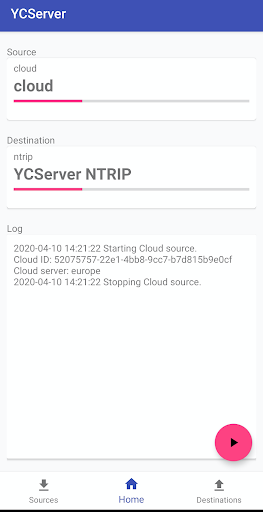
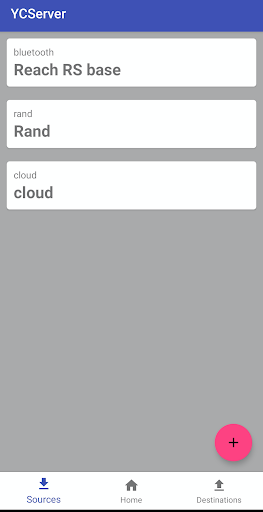
NTRIP server.- Connect your phone with RTK Base via bluetooth or serial cable.- Create a new bluetooth or serial endpoint and set is as a source.- Create NTRIP endpoint and set it as destination.- Start broadcasting of your base station data to NTRIP caster.NTRIP client- Connect your phone with RTK Rover via bluetooth or serial cable.- Create NTRIP endpoint and set it as a source.
- Create a new bluetooth or serial endpoint and set is as a destination.- Start receiving data from RTK network of your RTK rover.RTK bridge / GSM modem You will need 2 or more android phones, it depends of how many rovers are you going to connect.- Generate a valid cloudID code at a cloud destination.
Send it to all rover and base phones.
The cloud id should be the same on all phones.Phone 1 (Base):- Connect your phone with RTK Base via bluetooth or serial cable.- Create a new bluetooth or serial endpoint and set is as a source.- Create Cloud endpoint with cloudId and set it as destination.- Start broadcasting of your base station data to Cloud server.Phone 2 (Rover)- Connect your phone with RTK Rover via bluetooth or serial cable.- Create Cloud endpoint with cloudID and set it as a source.
- Create a new bluetooth or serial endpoint and set is as a destination.- Start receiving data from Cloud server of your RTK rover.
https://andro.io/app/ycserver
 Power 100

Android app profile
NTRIP server and client for Android – Latest Version & Features
by Hedgehack CY
★★★★★
(0 ratings)
Rate this app
How do you feel about NTRIP server and client?
Thanks for your feedback!
> 2.2k
Monthly Downloads
~$900
Estimated Cost
Screenshots









