
Muscle Training Even for beginners, it is a muscle training calendar app that can be recorded easily.how to use1.
Press the Record button on the calendar screen to move to the training menu screen2.
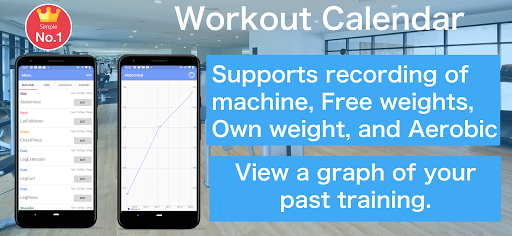
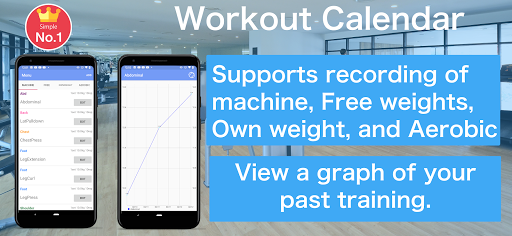
The training menu can be selected from "machine", "free", "own weight" and "Aerobic"3.
Enter and save basic training content.
Even if the training day has not been decided, you can save it without completing it.4.
If you select a saved training menu, it will be recorded on the date selected in the calendar5.
You can edit it by selecting the recorded training6.
On the scheduled training day, the part name is displayed lightly in the calendar7.
Tap on the training schedule record will be recorded in the calendar8.
You can check the weight you recorded on the graph.9.
You can check past training records from the recording screen.
Tap the training you want to check and a list of past records will be displayed.
https://andro.io/app/workout-record-1pj2s
 Power 100


Android app profile
Workout Calendar for Android – Latest Version & Features
by Hobby Bowl
★★★★★
(0 ratings)
Rate this app
How do you feel about Workout Calendar?
Thanks for your feedback!
> 2.2k
Monthly Downloads
~$900
Estimated Cost
Screenshots









