
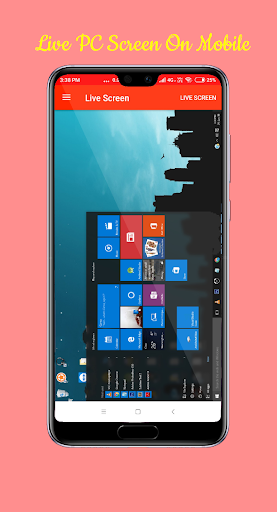
We help you to access your PC on mobile.
Replace your old wired and wireless keyboards and Mouses.
No need for those wireless products anymore.
Its the smartphone era.
Now Sit back and relax.
Control the PC using the smartphone.
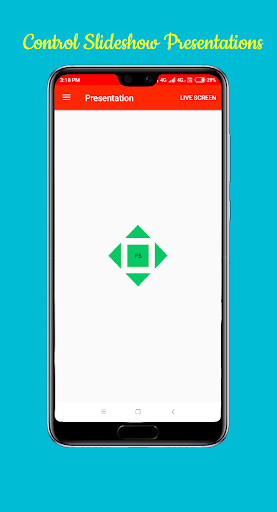
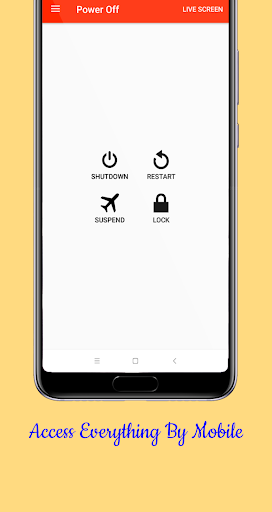
Special Features:* Connect rapidly* Used to Control Mouse on PC* Multitouch Mouse* Simple touch the left and right mouse buttons* Play Games Easily using this application* Access Keyboard with Wifi helps to type wirelessly and use shortcuts* Desktop Live View helps to Access Computer Screens on Mobile* Presentation Controls to help during presentations with slideshow* Shutdown, Restart, Suspend, Lock, and Sleep Computer RemotelyHow to use it?Follow the steps below1.
On Hotspot on Mobile2.
Connect PC to Hotspot via wifi3.
Open WIFI PC Live Android Application4.
Download and Open the WIFI PC LIVE Application on PC from the linkhttp://www.mediafire.com/file/h8cevb5nfvgyay5/WIFI_PC_LIVE.jar/file(No Installation required)5.
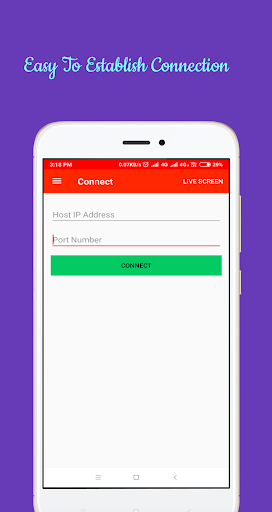
Enter the IP Address displayed in Desktop Application6.
Enter Port Address displayed in Desktop Application7.
Click Connect Button.
It will Check Connections and Establish8.
Use All Functions like presentation, Live Screen, Mouse...etc
https://andro.io/app/wifipclive
 Power 100
Android app profile
WiFi PC Live - Mobile PC Remot for Android – Latest Version & Features
by ABN Studio
★★★★★
(0 ratings)
Rate this app
How do you feel about WiFi PC Live - Mobile PC Remot?
Thanks for your feedback!
> 2.2k
Monthly Downloads
~$900
Estimated Cost
Screenshots









