
IMPORTANT: - This is not a standalone app.
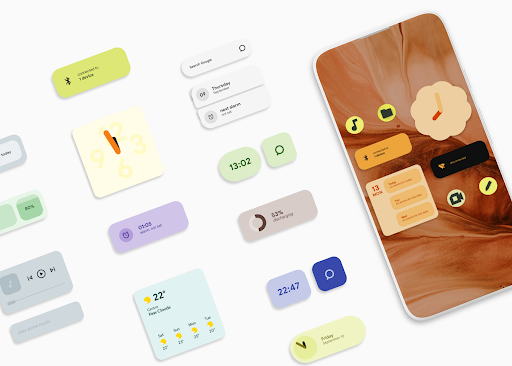
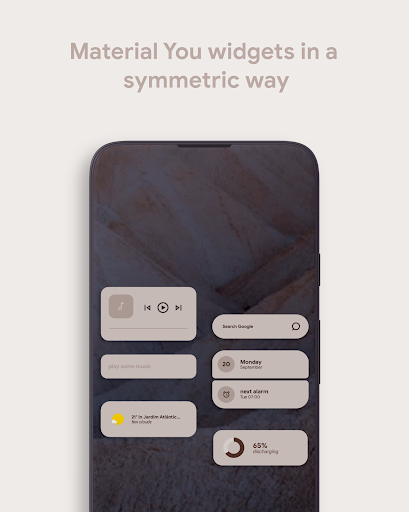
These another apps are required: KWGT: https://play.google.com/store/apps/details?id=org.kustom.widget KWGT PRO: https://play.google.com/store/apps/details?id=org.kustom.widget.pro- A custom launcher may offer a better experience (Nova Launcher, Lawnchair...)- For a better experience, follow instructions bellow.___________________________________________Material Who is a set of 88 widgets inspired by the new Material You design guidelines.
It even includes a colour palette widget to help you changing any widget.
___________________________________________HOW TO:- Recommended launcher grid size: 8x4 (without dock), 7x4 (with dock).- Each widget brings its padding size attached to the name (mtr 001 2x1, mtrl 003 2x2...)- Place a 2x1 or 2x2 KWGT widget to your home screen and select the desired MaterialWho widget.- If youre on Android 12, enable the global variable Dynmode for dnamic widgets.
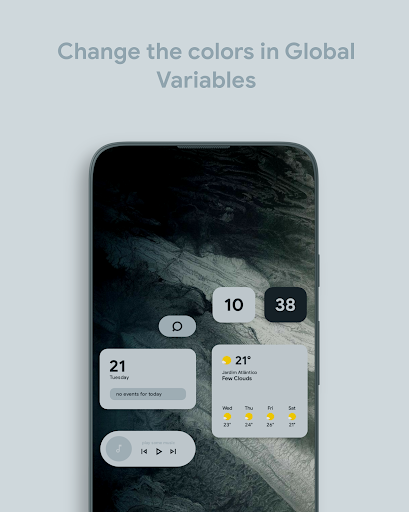
If youre on a previous Android version, keep this variable disabled and customize the colors on global variables bellow this one.
PALETTE WIDGET INSTRUCTIONS:- Place a full screen widget to your home screen and select the palette widget.
Click on desired color and copy the HEX code from Google page.
Place another MaterialWho widget on your home screen and paste the copied color in the Global Variable.
https://andro.io/app/widgets-t9f5
 Power 100

Android app profile
MaterialWho for KWGT for Android – Latest Version & Features
★★★★★
(0 ratings)
Rate this app
How do you feel about MaterialWho for KWGT?
Thanks for your feedback!
> 2.2k
Monthly Downloads
~$900
Estimated Cost
Screenshots









