
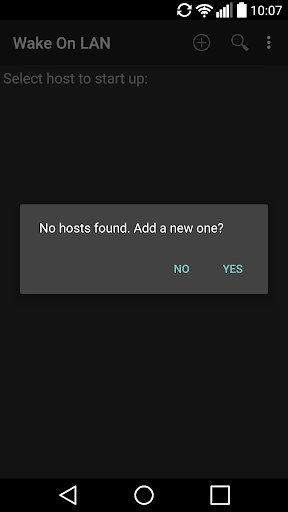
Start your PC remote via Wake on LAN (WOL).
Your Motherboard / Ethernet-Card need to be compatible with the wake on lan protocol (most are) and you have to enable the features in your BIOS settings and your operating system.This App MAY work over the Internet but theres no guarantee.
This App contains an App-Widget.More informations:http://en.wikipedia.org/wiki/Wake_on_lan#Hardware_requirementsSome Instructions:You need a WLAN-Router, PC/Notebook, an ethernet crossover cable and an Android Device (of course).* Connect your PC and your router with the crossover cable.* Your router must allow UDP Broadcast packages to be send.
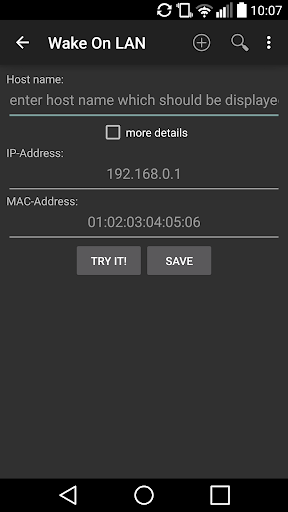
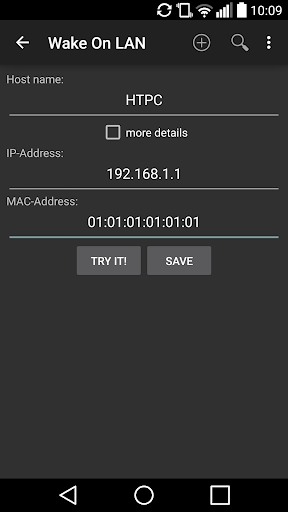
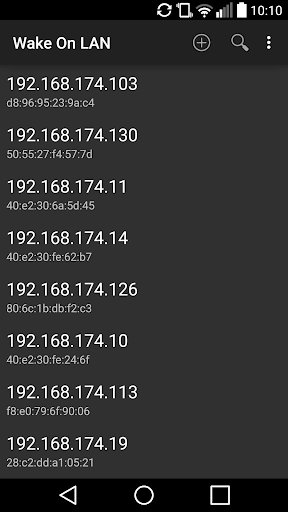
* Enable WOL in BIOS and your Operating System.* The get the IP-Address (and in some cases the port for WOL) of your PC.* Connect your Android Device with your WLAN-Router and enter the IP-Address (and the port if needed).* Click on the Hostname of the PC you want to wake up.****MOST PCS WONT WORK IF THEY ARE NOT IN STANDBY OR SIMILAR STATE****
https://andro.io/app/wakeonlan-1kz58
 Power 100
Android app profile
Wake On LAN for Android – Latest Version & Features
by Sigma-Square UG (haftungsbeschränkt)
★★★★★
(0 ratings)
Rate this app
How do you feel about Wake On LAN?
Thanks for your feedback!
> 2.2k
Monthly Downloads
~$900
Estimated Cost
Screenshots









