
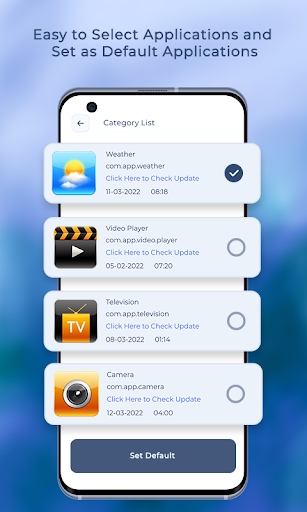
Set default apps to open your files, images or videos in a particular app.
Get app list category wise.
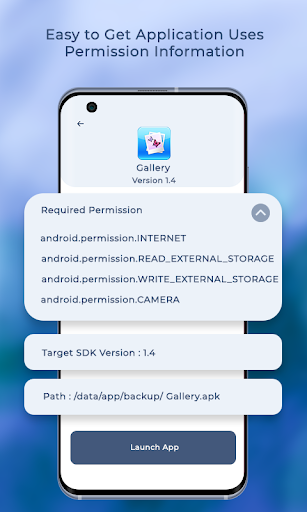
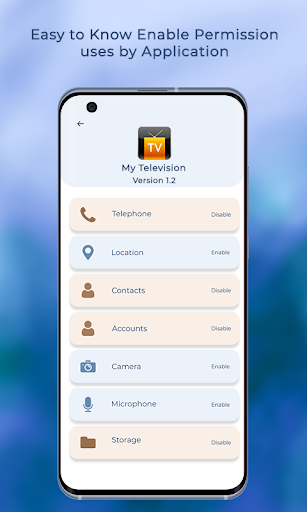
Get details of permission used by each app on your phone.
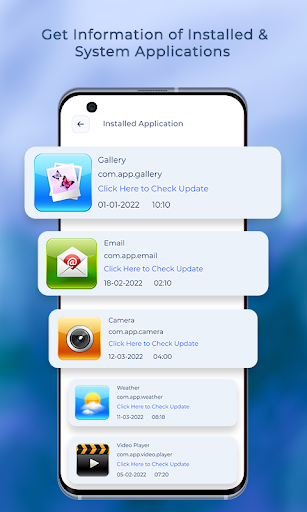
Also get other details of the apps like storage space used, app title, available app update, date of install and much more.App Features: - Get current version of the app.- Check for update version.- Know the package id of the app.- Read app title.- Last modified date of app.- Installation date of the app.- Manage default app for categories : - Alarm - Audio - Browser - Calendar - Camera - Contacts - Email - Gallery - File Storage - Messaging - Phone - Manage default app for file types : - .txt - .mp4 - .doc - .docx - .png - .jpg - .ppt - .xml- App wise scan and list out all the permissions used by installed apps on device.- Scan for apps using risky permissions.- Scan for apps using only safe permissions.- Sdk wise list out installed app on devices.(eg..
Sdk 28 to 33).- Display application list by its size.
(eg..
small, medium and large).
https://andro.io/app/vs-15qe5
 Power 100
Android app profile
Apps Default Setting Manager for Android – Latest Version & Features
by Little Angel
★★★★★
(0 ratings)
Rate this app
How do you feel about Apps Default Setting Manager?
Thanks for your feedback!
> 2.2k
Monthly Downloads
~$900
Estimated Cost
Screenshots









