

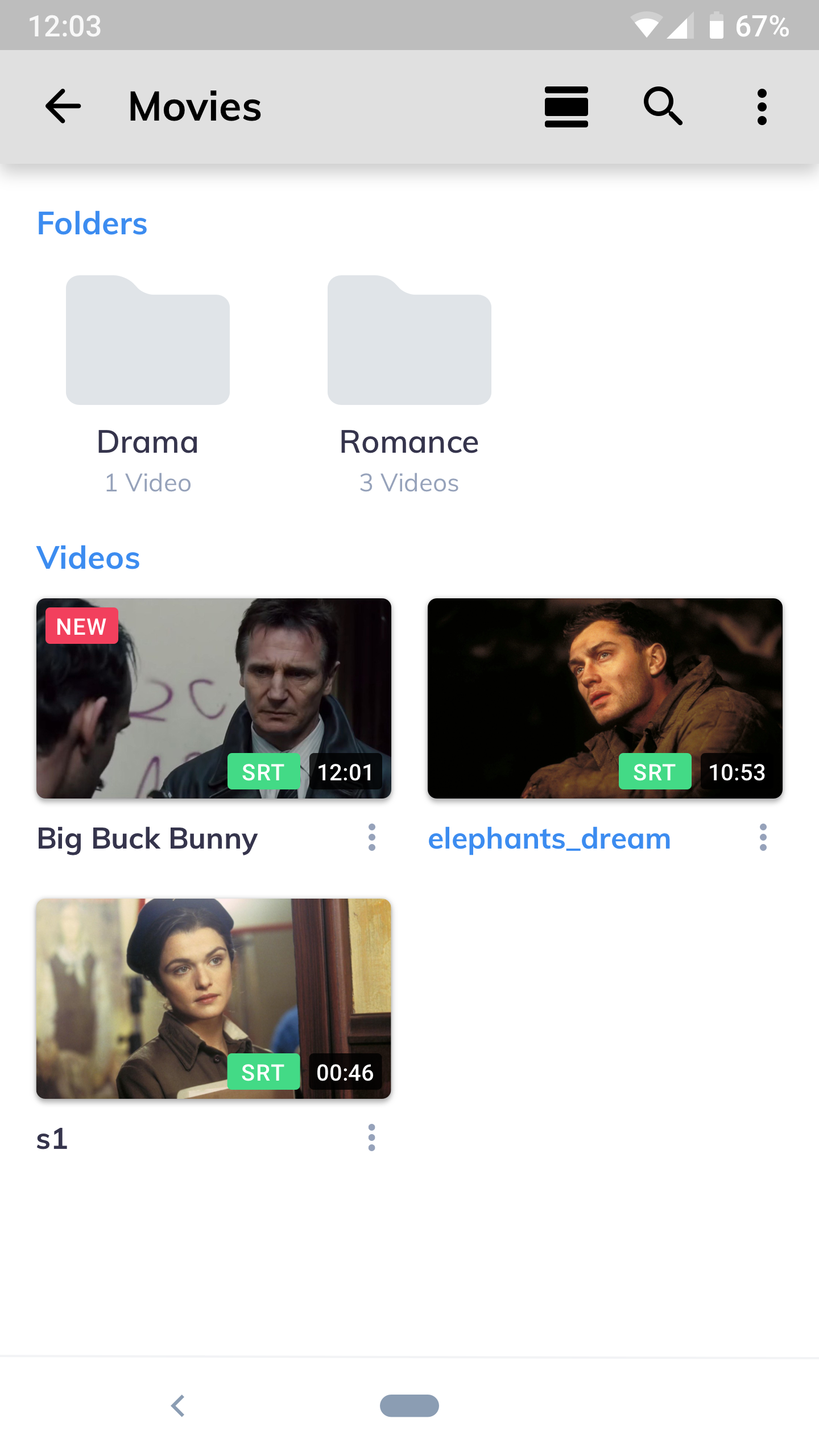

This is a paid version of MX Player which provides an uninterrupted video experience without any ads.It is crafted to be lightweight with only core functionalities.
So some regionally restricted features such as online videos may not be available at the moment.a) HARDWARE ACCELERATION - Hardware acceleration can be applied to more videos with the help of new HW+ decoder.b) MULTI-CORE DECODING - MX Player is the first Android video player which supports multi-core decoding.
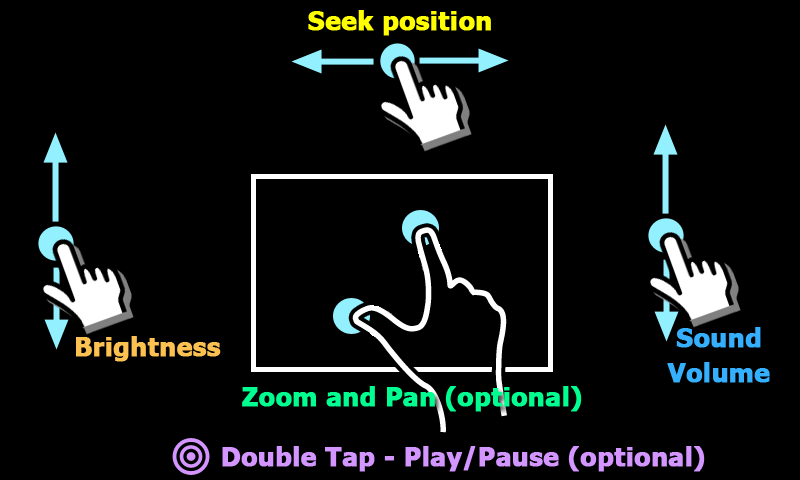
Test result proved that dual-core devices performance is up to 70% better than single-core devices.c) PINCH TO ZOOM, ZOOM AND PAN - Easily zoom in and out by pinching and swiping across the screen.
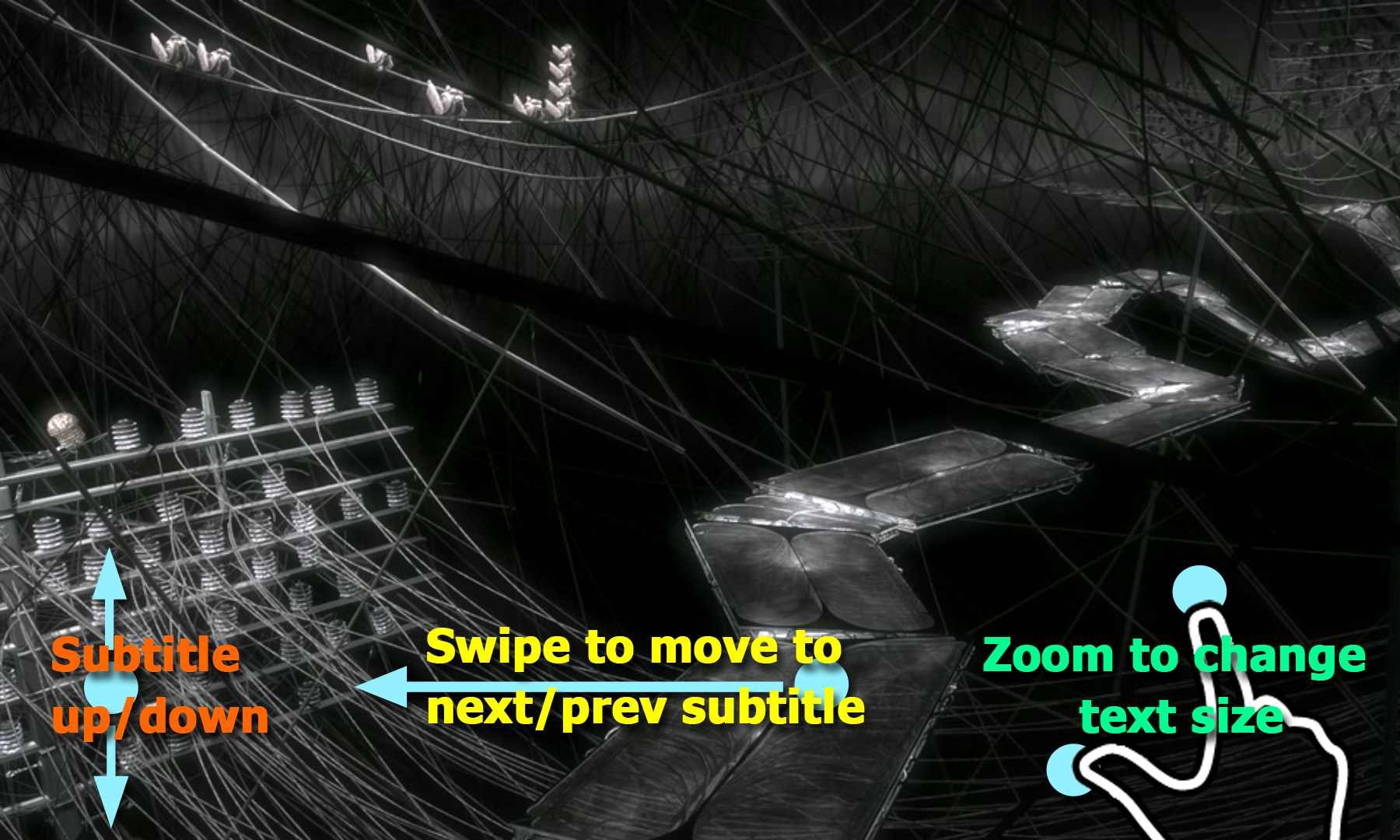
Zoom and Pan is also available by option.d) SUBTITLE GESTURES - Scroll forward/backward to move to next/previous text, Up/down to move text up and down, Zoom in/out to change text size.e) KIDS LOCK - Keep your kids entertained without having to worry that they can make calls or touch other apps.Subtitle formats:- DVD, DVB, SSA subtitle tracks.- SubStation Alpha with full styling.- SAMI(.smi) with Ruby tag support.- SubRip(.srt)- MicroDVD(.sub)- VobSub(.sub/.idx)- SubViewer2.0(.sub)- MPL2(.mpl)- TMPlayer(.txt)- Teletext- PJS(.pjs)- WebVTT(.vtt)******If you cant buy from Google Play, please check our home page.
We support more payment methods.
(https://sites.google.com/site/mxvpen/buy)******About "Draw over other apps" permission: This permission is required to block system buttons when input blocking is activated on the playback screen.About "Pair with Bluetooth devices" permission: This permission is required to improve AV sync when Bluetooth headset is connected.About "Disable screen lock" permission: This permission is required to remove screen lock temporarily when Kids lock mode is used.
Nevertheless, secure screen lock will not be disabled.About "Control vibration", "Prevent device from sleeping" permissions: These permissions are required for media playback on some devices.******If you are facing "package file is invalid" error, please install it again from product home page (https://sites.google.com/site/mxvpen/download)******If you have any questions, please visit XDA MX Player forum.http://forum.xda-developers.com/apps/mx-playerSome of the screens are from the Elephants Dreams licensed under the Creative Commons Attribution 2.5.(c) copyright 2006, Blender Foundation / Netherlands Media Art Institute / www.elephantsdream.orgSome of the screens are from the Big Buck Bunny licensed under the Creative Commons Attribution 3.0 Unported.(c) copyright 2008, Blender Foundation / www.bigbuckbunny.org- This update brings you the support for USB OTG devices (FAT32 only)- MX Share now supports sharing files from other apps- Speed Controls in Local Video Player now supports direct inputs from the keyboard.- You can now manually select external subtitles on the local network shares- We have further optimized playback menu to provide a better experience.- This update also fixes the issues in handling of external Web URLs on Android 12 devices.
J
5
★
★
★
★
★
Quality app




