
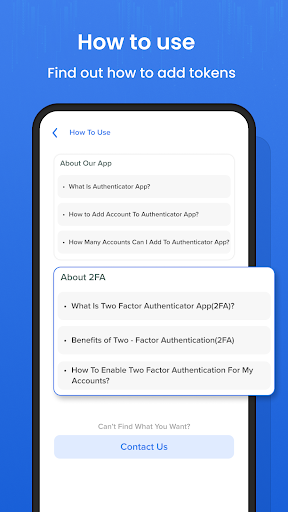
By demanding an additional step of authentication when you sign in, 2FA offers enhanced protection for your Account.You will also require a token produced by the Authenticator app on your phone in addition to your password.
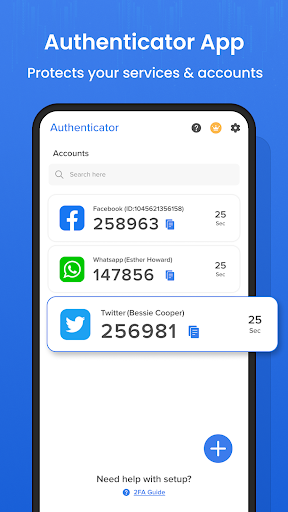
Using the Authenticator App, you can quickly and securely log into all of your online accounts using passwordless, multi-factor authentication, or password autofill.For your personal, professional, or academic accounts, you also have extra account management choices.
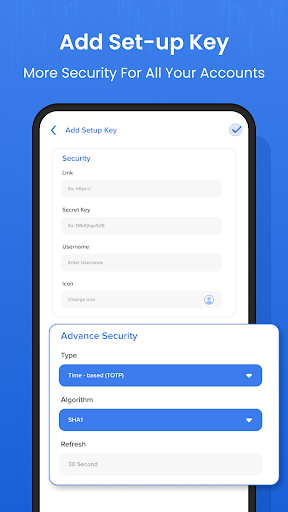
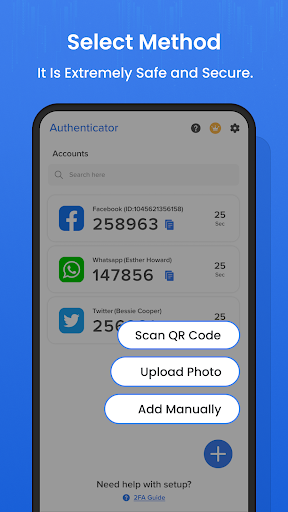
By manually adding app tokens or by scanning a QR code.TOTP and biometrics are used to protect your tokens.Create a unique token list by adding labels, groups, badges, and icons.To log in more quickly, enable the "next token" option.
Utilize widgets and browser extensions for your convenience.
App Key Features :-- Generate verification codes devoid of a data connection - QR code setup automatically- Multiple-factor authentication- With the Authentic - Authenticator App, it is extremely safe and secure.- QR Code Scan- The SHA1, SHA256, and SHA512 algorithms are also supported.
- Manual Code Entry- The app creates fresh tokens every 30 seconds- Supports All Well-Known Accounts- No password is saved- Secure Backup - Password Manger(website, and note) and genraterPlease contact us if you have any questions or issues with our authentication app.Wed be delighted to talk to you.
https://andro.io/app/twofa-12cys
 Power 100
Android app profile
Authenticator App for Android – Latest Version & Features
by DigiTronomy
★★★★★
(0 ratings)
Rate this app
How do you feel about Authenticator App?
Thanks for your feedback!
> 2.2k
Monthly Downloads
~$900
Estimated Cost
Screenshots









