

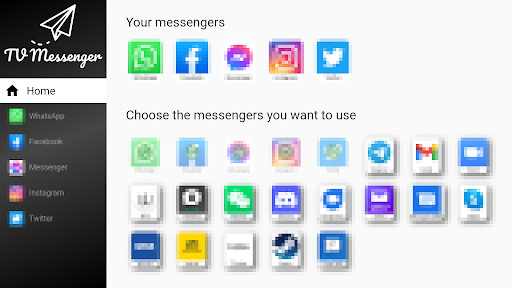
All your messengers into one app on your Android TV.Your advantages:- the TV Messenger is simple, plain and clear- all your messengers like WhatsApp, Facebook, Telegram or Wire in one app- always in sync: continue to receive messages with other devices- Many setting optionsSimply start:1.
installInstall the TV Messenger on your TV via the Play Store2.
selectSelect the messenger you want to use3.
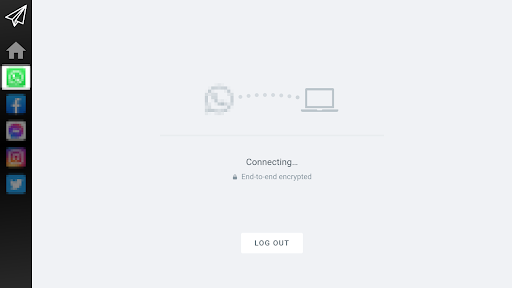
sign inSign in once to your messengersSigning up using WhatsApp as an example:On your TV:1.
launch WhatsApp2.
you will see a QR codeOn your smartphone:1.
launch WhatsApp2.
open the settings (the 3 dots on the top right)3.
select "Linked devices".4.
click on the "ADD DEVICE" button.5.
scan the QR code on the TV screen with your smartphone.Note: Sometimes you need to do the scanning twice.
After scanning, it will take a while to connect.If you have any questions, problems or suggestions, just send us an email: [email protected] appreciate any message from you!
https://andro.io/app/tvmessenger

Rate this app
How do you feel about TV Messenger?
Thanks for your feedback!
> 2.2k
Monthly Downloads
~$900
Estimated Cost
Screenshots









