
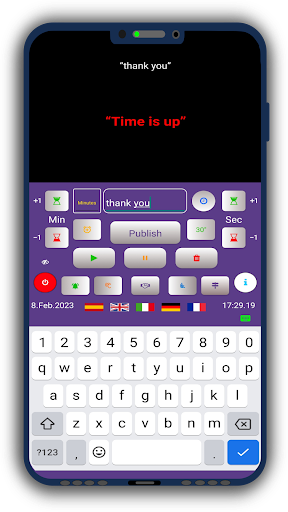
"Timer Conference - Webinar Pro" is a versatile Android app, designed to facilitate time management in various contexts.
Whether youre conducting a video conference, a convention, a webinar or an online meeting, this app offers you a countdown timer to monitor the available time or set the duration of individual interventions.
But it doesnt stop there: it can also be used as a kitchen timer or as a time monitoring tool in the school context.Here are some of its main features:- Multilingual support: The application is available in five languages: English, Italian, German, French and Spanish.- Customizable text: You can enter a text visible to bystanders and use the preset quick entry buttons.- Time addition: You have the possibility to manually add additional minutes (and seconds) if it is necessary to extend an intervention.- Audible signal: An audible signal warns you when time is up, but it can be turned off if you prefer.- Compatibility with Windows PCs: You can use Timer Conference on a Windows PC via the BlueStacks program and play the timer on the platform you are using for video conferencing (like Zoom) using playback software (like OBS Studio).Download "Timer Conference - Webinar Pro" today and discover how easy it can be to manage your time!
https://andro.io/app/timerconferenze
 Power 100
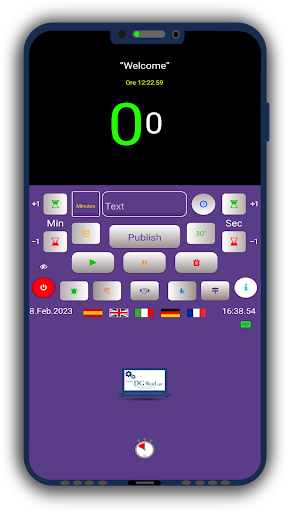
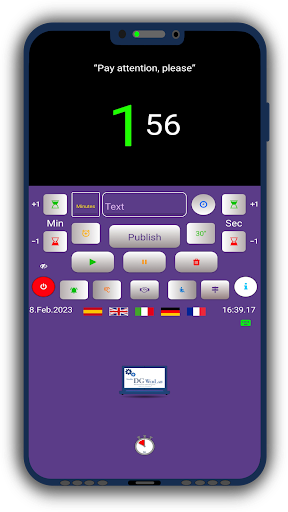
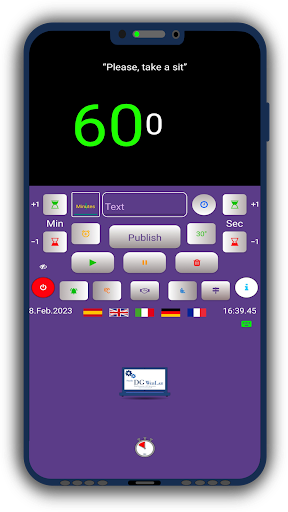
Android app profile
Timer Conference - Webinar Pro for Android – Latest Version & Features
★★★★★
(0 ratings)
Rate this app
How do you feel about Timer Conference - Webinar Pro?
Thanks for your feedback!
> 2.2k
Monthly Downloads
~$900
Estimated Cost
Screenshots









