
TED SMART is a versatile tool for training registration using facial recognition of workers, thus certifying their participation.
It can be used both online and offline, which makes it possible to use it anywhere, even without a telephone network or wi-fi.
When the cell phone is reconnected, synchronization is performed with the sending of data to the customers ERP Training module.
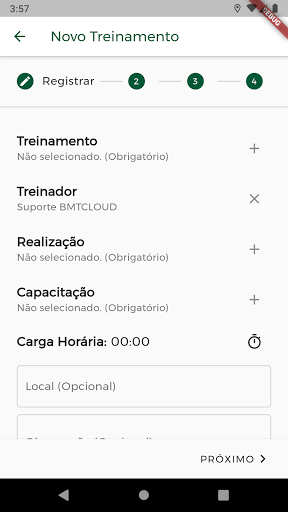
Choose training through pre-loaded lists.
Register the workers face and link his registration.
Have the exact location through the GPS coordinates where the training took place.
Attach photos, documents and send a note.
Register a photo of the coach.Some important features of the application:Registration of workers through the face.
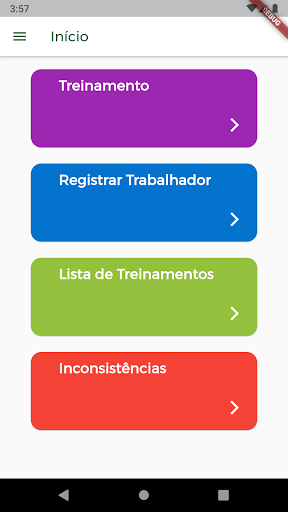
List of trainings.
Lists inconsistencies of synchronization and push warning.
Normal or dark mode.
Achievement list with types of training.
Type of training.
Workload.
Location and observations.
Coach selfie and photo of training participants.
Attachment of documents or images.Send your feedback to improve our products.
Send your comments.
The APP team will respond quickly.
https://andro.io/app/tedsmart
 Power 100
Android app profile
TED Smart for Android – Latest Version & Features
by BMTCLOUD SOLUÇÕES EM TI
★★★★★
(0 ratings)
Rate this app
How do you feel about TED Smart?
Thanks for your feedback!
> 2.2k
Monthly Downloads
~$900
Estimated Cost
Screenshots









