
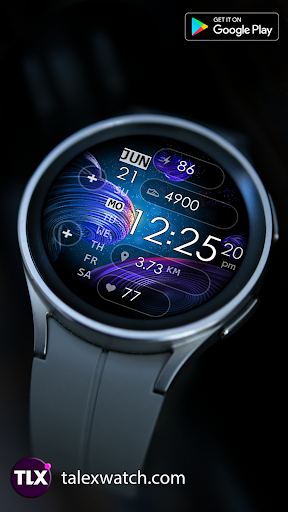
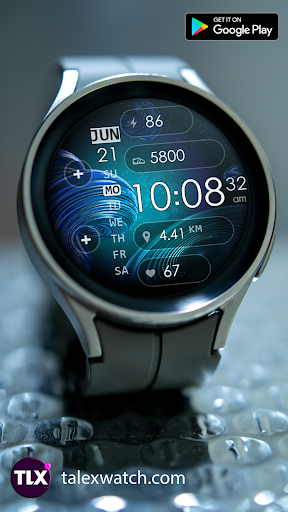
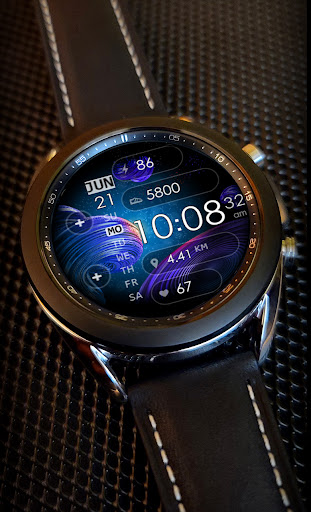
Very beautiful and informative watch face for Wear OS.Elegant background effect is battery friendly.
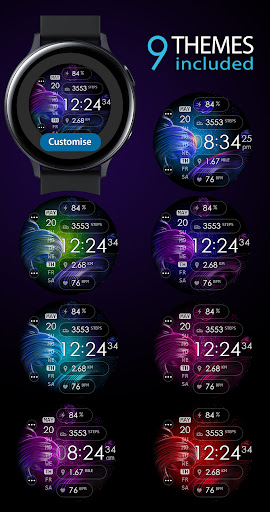
12/24 Digital time HH:MM:ss (AUTO-sync with your Phone time) No leading 0 in HH of 12hr time mode.8 Color Themes.
Easy way to select one you prefer.
TAP the Center of screen to switch between themes.
Check the Themes screen for more details.The face includes a Set of the useful Widgets and Shortcuts + Custom Apps shortcuts.Active mode FEATURES- 8 Color Themes- Background effect is battery friendly- 12/24 Digital time HH:MM:ss (auto-sync with your phone time)- No leading 0 in HH of 12hr time- Day of Week/Date/Month - Battery % - Battery Status shortcut- Step counter- SHealth Shortcut- Moved Distance (km)- Heart Rate- Two Custom Apps ShortcutsCustomization:1 - Touch and hold display2 - Tap on customize option!
NOTE HEART RATE:The heart rate is not automatically updated.
Initially empty.When the user tap for Measure Heartrate, then the device will measure the current heart rate and it will be displayed.Please make sure that the screen is turned on and that the watch is worn correctly on the wrist during heart rate measurement.
https://andro.io/app/supergalaxy
 Power 100
Android app profile
SuperGalaxy Watch Face for Android – Latest Version & Features
★★★★★
(0 ratings)
Rate this app
How do you feel about SuperGalaxy Watch Face?
Thanks for your feedback!
> 2.2k
Monthly Downloads
~$900
Estimated Cost
Screenshots









