
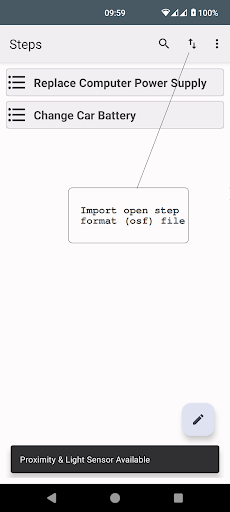
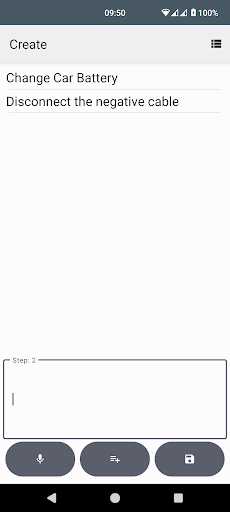
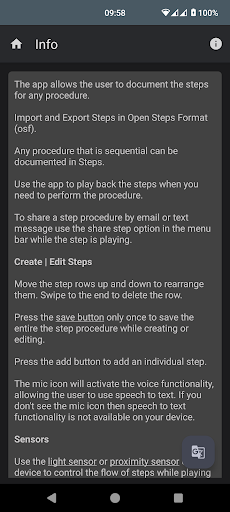
Steps allows the user to create & play steps for any procedure.Import & Export Steps in Open Steps Format (osf).The user can use the sensor to control the flow of the steps while the steps are being played back to them.
Record the individual step sequences using voice.Have the Steps read out to you, using the Text to Speech Feature.
Light sensor is used by default.
If the light sensor is not available, then the proximity sensor will be used.
Hold your hand in front of the phone for one second to move forward one step, hold your hand for more than one second to move back one step.Search inside steps by using the search bar.
All step procedures can be saved to the local public storage of the device.
Click on share step to share that particular step procedure.
The user should check all aspects of the application themselves before using it in a live setting.
https://andro.io/app/steps-1m3r7
 Power 100

Android app profile
Steps for Android – Latest Version & Features
by Sigtel Ltd
★★★★★
(0 ratings)
Rate this app
How do you feel about Steps?
Thanks for your feedback!
> 2.2k
Monthly Downloads
~$900
Estimated Cost
Screenshots




