

The speed meter measure the speed displacement the user using the smartphone GPS.
The Speedometer GPS requires a clear space to have adequate communication with the satellites that provide the GPS.
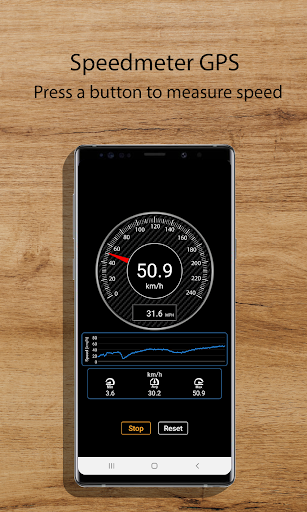
The data is displayed on the screen of the device in an analog and digital forms.
The app shows the maximum, average and minimum speed in km/h.
Additionally, a graph of the users speed is shown.
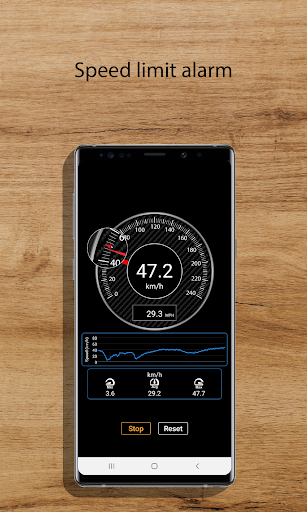
The Speedometer GPS can be configured to emit an alarm when exceeding a speed set by the user.
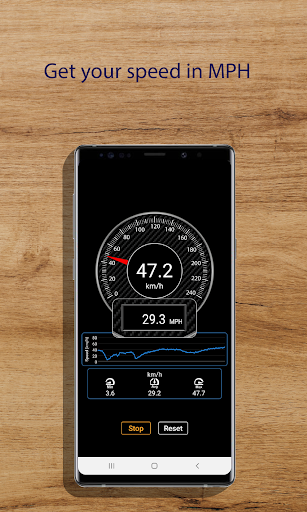
Speed unit are displayed in km/h and MPH.
HelpHow to set a speed alarm?
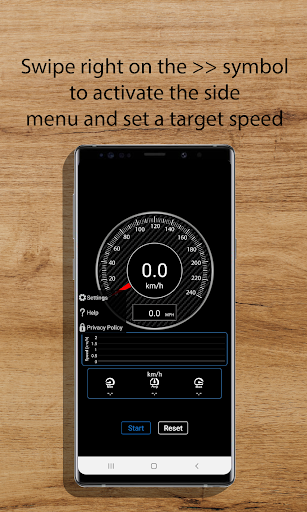
1.-Swipe right >> to activate the side menu.2.- Enter the configuration window by pressing the settings button on the side menu, 3.- Activate the radio button “Set speed alarm”,4.- Set the target speed, 5.- Select the type of alarm.
6.- Press the “Save” button to save the configuration, 7.- Return to the main window, 8.- Press the “Start” button to make a new measurement.
A red triangle will appear on the speedmeter at the target speed.
How to disable target speed?
1.- Swipe right >> to activate the side menu.2.- Enter the configuration window by pressing the settings button on the side menu,3.- Deactivate the radiobutton “Set speed alarm”, 4.- Return to the main window.
5.- Press the “Start” button to make a new measurement.
https://andro.io/app/speedmeter-ulwl
Rate this app
How do you feel about Speedometer GPS?
Thanks for your feedback!
> 2.2k
Monthly Downloads
~$900
Estimated Cost
Screenshots









