
Welcome to Sparbanken plånbok!
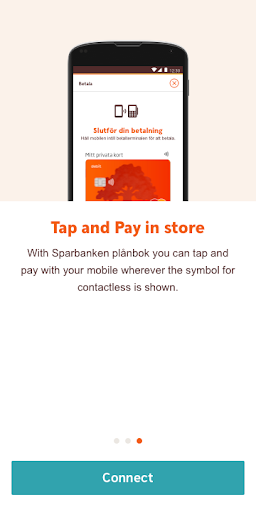
With Sparbanken plånbok you can easily pay in-store• Easy to Tap & Pay in-store with your mobile phone• Simple to enroll• Secure to useWith Sparbanken plånbok you can pay in-storeWhen making a in-store purchase you tap your mobile phone to the card terminal where the symbol for contactless payment is shown.
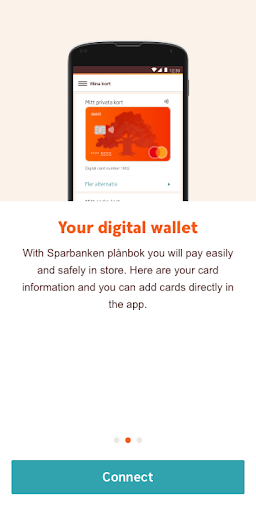
You do not need to enter your card or address information for every purchase - the information is saved and shown in the app when you pay.
To use Sparbanken plånbok you need to have a card issued from your Savings bank and have a Mobile BankID.How to install Sparbanken plånbok:1.
Install the app2.
Log in with Mobile BankID3.
Register your information and accept the terms and conditionsRead more about Sparbanken plånbok at your Savings banks websiteDo you need help and support?
You are welcome to contact us on 0771-97 75 12 (open 24/7).Information on processing of personal dataFor security reasons, we collect all transactions sent from your computer, mobile device or other device to our app.
This also applies to the IP-address that is used when you open our application and us the service.
More information in regards how we handle personal data can be found on your Savings banks website.
https://andro.io/app/spar-1k4y6
 Power 100

Android app profile
Sparbanken plånbok for Android – Latest Version & Features
★★★★★
(0 ratings)
Rate this app
How do you feel about Sparbanken plånbok?
Thanks for your feedback!
> 2.2k
Monthly Downloads
~$900
Estimated Cost
Screenshots









