
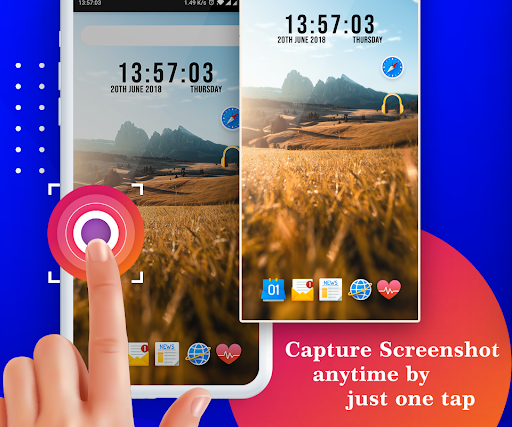
Quick Screenshot app is easy and simple way to capture your phone screenshot.You can edit screenshot and save / share with your friends.Drag the Screenshot icon anywhere on the screen.(floating icon)Screen Recorder allows you to capture a video that you can easily save and share with your friends.Enable capture service(on/off)App Features : -> Screenshot Setting -> Screen Recording -> Capture History - Screenshot Setting : - Notification icon - Shake - The phone is shaking that time screenshot captured.
- Overlay Icon - Show Overlay Icon - Overlay Icon Size - Overlay Icon Alpha - Show folder name on Overlay Icon(On/Off) - Action after screenshot - Vibrate - Action after capture toast - Show toast preview - No Action - Open Screenshot Gallery - Save Image format(PNG and JPEG) - Directory and Filename - Save Directory - Filename - Sub Floders - Show folder name with folder icon - show only folder name - you can create Multiple folder and save your screenshot images.
- Screen Recording - Screen Recording Service - Record Audio - Record Audio Resolution - Frame Rate - Capture History - Screenshot Images - Screen Recording Videos.Required Permission :READ_EXTERNAL_STORAGE : get capture screenshot from storage and display in appSYSTEM_ALERT_WINDOW : for display overlay icon anywhere on phone screenRECORD_AUDIO : record sound when screen recording
https://andro.io/app/sp-1fqf0
 Power 100


Android app profile
Quick Screenshot for Android – Latest Version & Features
★★★★★
(0 ratings)
Rate this app
How do you feel about Quick Screenshot?
Thanks for your feedback!
> 2.2k
Monthly Downloads
~$900
Estimated Cost
Screenshots









