
I like it. simply minimalist
https://andro.io/app/somcloud-somnote
Power 100
Android app profile
SomNote - Beautiful note app for Android – Latest Version & Features
by 퀀텀비트
★★★★★
(1488 ratings)
Rate this app
How do you feel about SomNote - Beautiful note app?
Thanks for your feedback!
> 2.2k
Monthly Downloads
~$900
Estimated Cost
Screenshots
About SomNote - Beautiful note app
Beautifully designed private journal app ever!SomNote is the best journal app that over 3+ million users already picked!
Along with a beautifully designed user interfaces, it offers high-speed access.
Moreover, you can change fonts for free and it allows you to attach pictures or documents on the journals.
Journals and attached files can be automatically synced so you can view it on all your devices, including PCs and iPads.
Synced journals and files can be restored safely even after youve reformatted your devices.
The future of journal is in SomNote.
Check it out now!
★ Features- Taking a journal: Take journals and edit with SomNote.
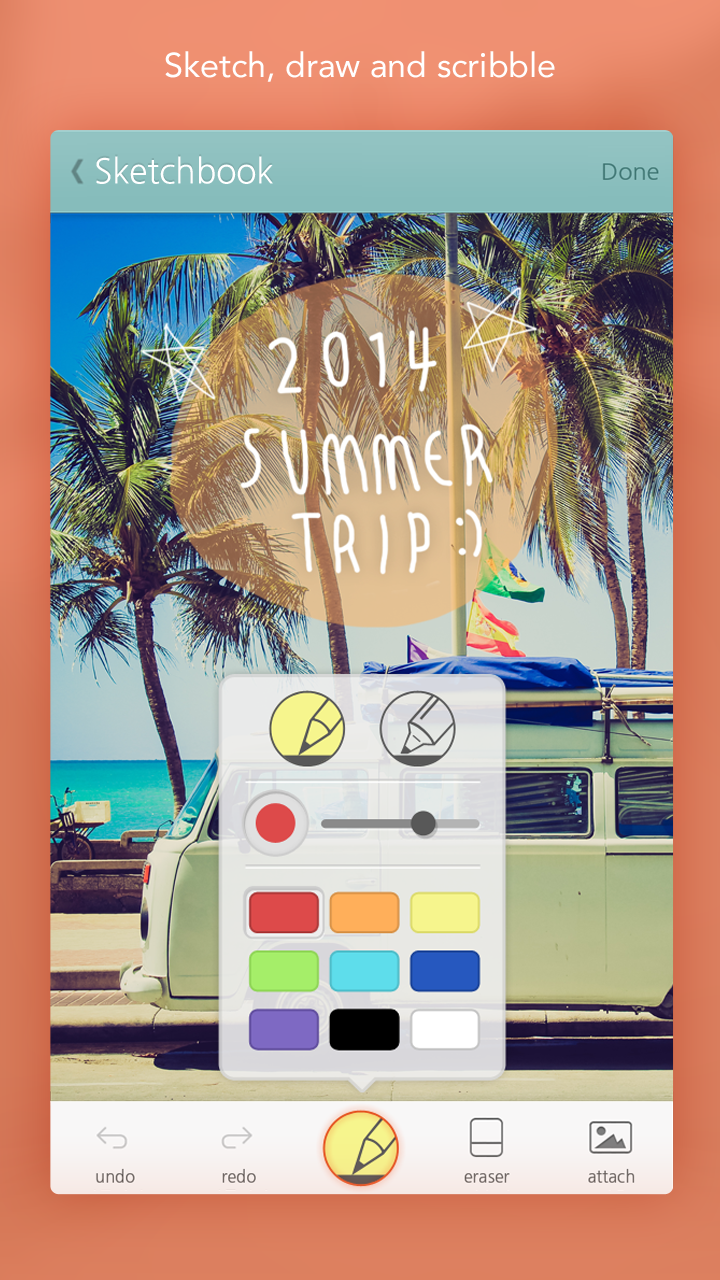
You can take pictures and attach it and also put a picture you draw yourself into a note.
Wanna read pdf and text files?
Just pull it from PC and read it on your mobile device.- Making a folder: Folder feature is now included in SomNote.
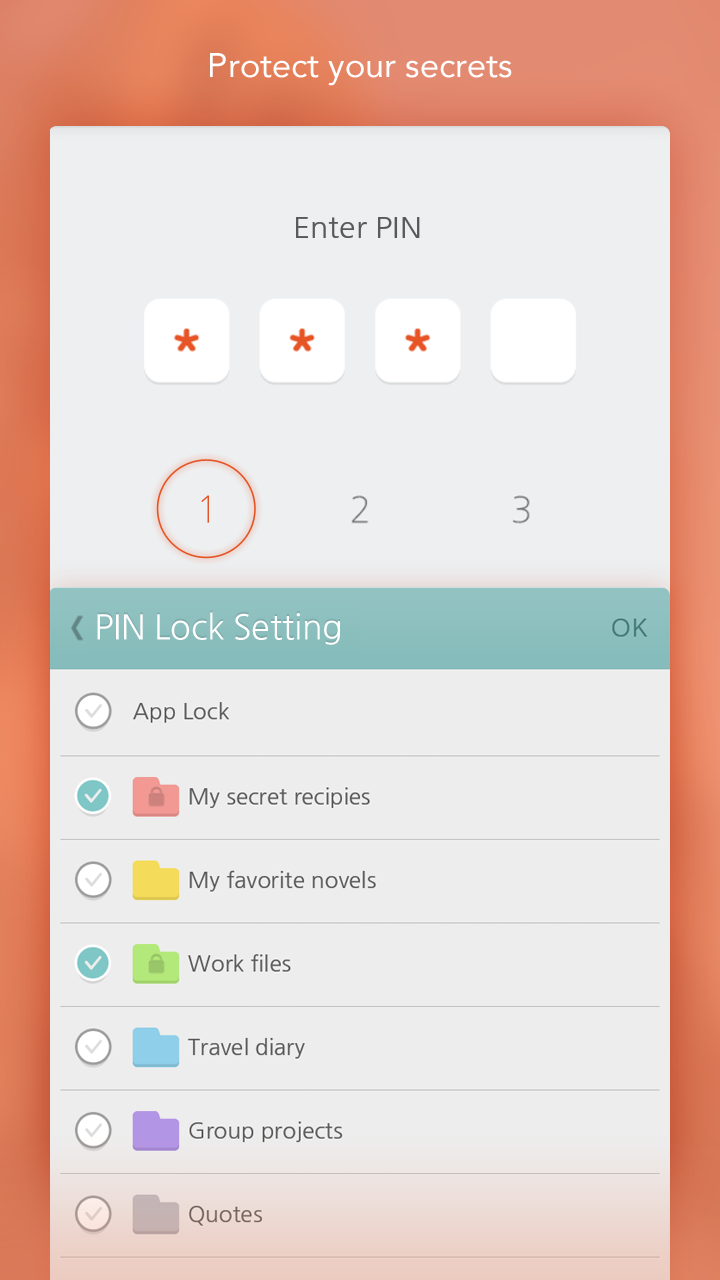
Make any folder in any color and name you like - categorize all your notes according to your taste.- Protecting your secret: SomNote will protect your journals.
You can lock your journal, folder, and even SomNote itself.
Keep your secret journals safe from others with ease!- Finding your journals: You can find every journal with the search menu.
It will instantly highlight every note and folder simultaneously as you type what you want to find.
★ Extra features- Auto sync: Every journal and file written and attached in SomNote will be synced automatically after you log-in.
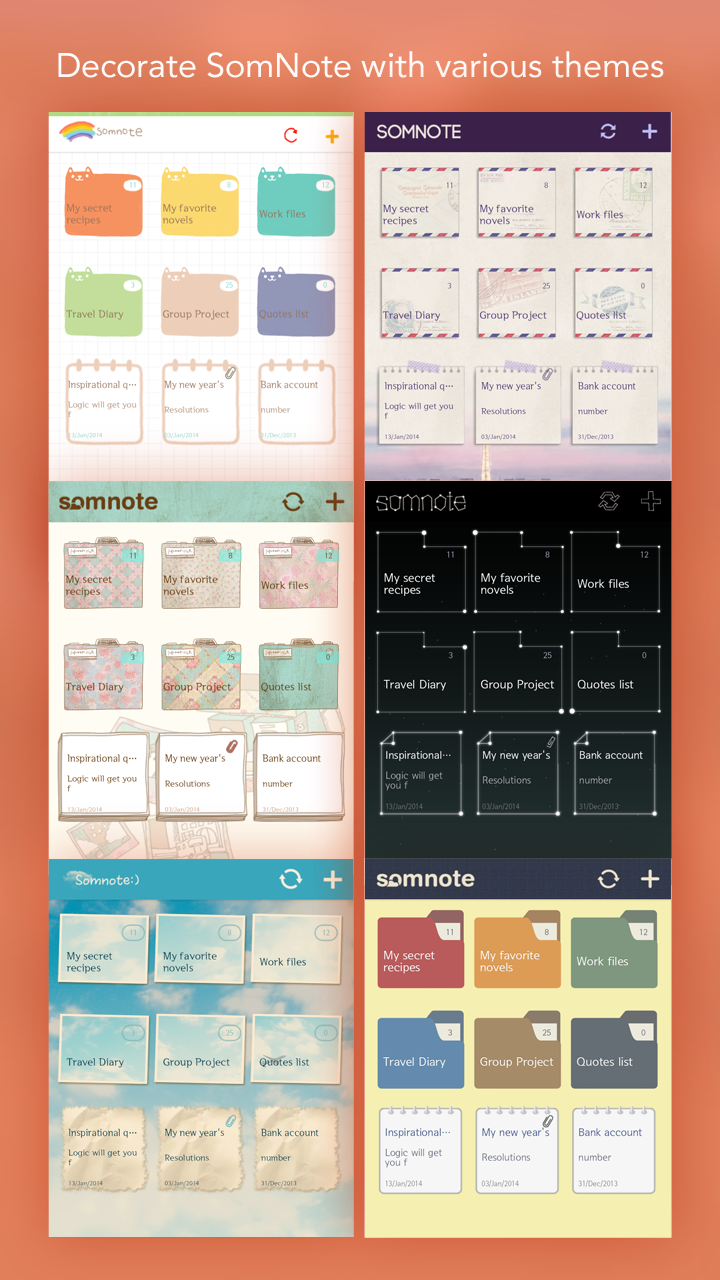
SomNote will keep everything you write safely even if you initialize or lose your mobile.- Theme: Meet special SomNote, picking up themes designed in various ways.- Font: Four beautiful fonts are waiting for you in the setting menu in addition to basic system fonts and more gorgeous fonts are coming.
Stay tune with SomNote!- Sort: You can sort your journals by a date and alphabetical order and we will add more sorting methods steadily.- Restore: When you activate automatic backup, you can restore a deleted note from the trash.
Try it on SomNote web.If you have any problem or question about SomNote, please contact us by email below.
We will always answer your question and help you use SomNote better everyday!- User suppport: [email protected] SomNote web: http://somcloud.com---- Bug fixed and features updated
Along with a beautifully designed user interfaces, it offers high-speed access.
Moreover, you can change fonts for free and it allows you to attach pictures or documents on the journals.
Journals and attached files can be automatically synced so you can view it on all your devices, including PCs and iPads.
Synced journals and files can be restored safely even after youve reformatted your devices.
The future of journal is in SomNote.
Check it out now!
★ Features- Taking a journal: Take journals and edit with SomNote.
You can take pictures and attach it and also put a picture you draw yourself into a note.
Wanna read pdf and text files?
Just pull it from PC and read it on your mobile device.- Making a folder: Folder feature is now included in SomNote.
Make any folder in any color and name you like - categorize all your notes according to your taste.- Protecting your secret: SomNote will protect your journals.
You can lock your journal, folder, and even SomNote itself.
Keep your secret journals safe from others with ease!- Finding your journals: You can find every journal with the search menu.
It will instantly highlight every note and folder simultaneously as you type what you want to find.
★ Extra features- Auto sync: Every journal and file written and attached in SomNote will be synced automatically after you log-in.
SomNote will keep everything you write safely even if you initialize or lose your mobile.- Theme: Meet special SomNote, picking up themes designed in various ways.- Font: Four beautiful fonts are waiting for you in the setting menu in addition to basic system fonts and more gorgeous fonts are coming.
Stay tune with SomNote!- Sort: You can sort your journals by a date and alphabetical order and we will add more sorting methods steadily.- Restore: When you activate automatic backup, you can restore a deleted note from the trash.
Try it on SomNote web.If you have any problem or question about SomNote, please contact us by email below.
We will always answer your question and help you use SomNote better everyday!- User suppport: [email protected] SomNote web: http://somcloud.com---- Bug fixed and features updated
User Reviews
F
5
★
★
★
★
★
E
1
★
★
★
★
★
كان برنامج جيد لكن للأسف تم ازاله كثير من الخصائص
T
5
★
★
★
★
★
Very interesting and useful 🙂
J
5
★
★
★
★
★
I love this app. It's a simple notepad to keep important notes on. I'm 70 and I forget alot. This helps alot.
A
2
★
★
★
★
★
I'm sorry, but why would the app need me to allow them access to my contacts and phone? Storage is okay, but not these two. Giving an extra star to my one because the display for the app looks nice.
A
1
★
★
★
★
★
Creepy amount of permissions required.
T
5
★
★
★
★
★
For me SomNot is an amazing app, i haven't had any struggles with it and it's easy to use!






