
Recommend a screen mirroring app for Android - "ScreenMirrorX".
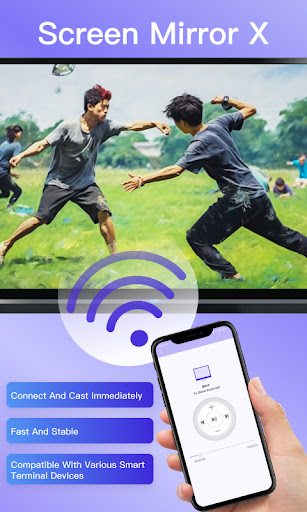
This app can wirelessly project your Android devices screen to a TV, computer or other supported devices without the need for any wired connections.
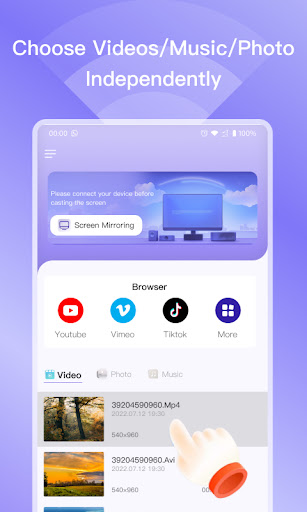
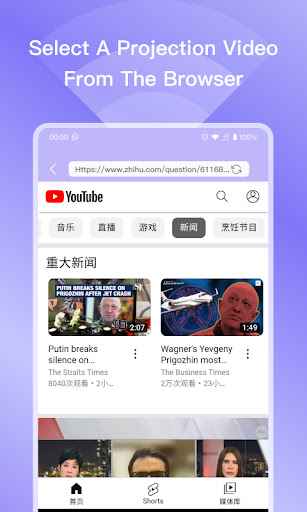
As long as your device and target device are on the same Wi-Fi network, youre good to go.With "ScreenMirrorX", you can share photos, videos, games, and apps from your phones screen and enjoy them on a larger screen.
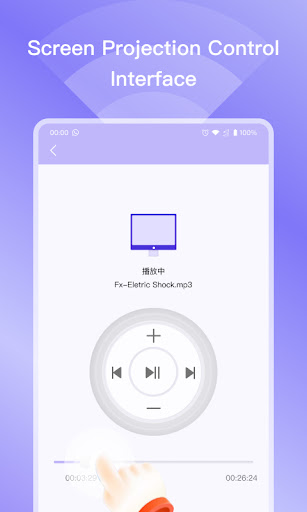
Additionally, the app supports real-time audio transmission, allowing you to enhance your audio experience by connecting to a speaker or audio system.The user interface of "ScreenMirrorX" is simple and easy to use, and you can complete device connection and projection settings in just a few steps.
The app also provides customizable image adjustment options to ensure the best display quality.Furthermore, "ScreenMirrorX" supports multi-device projection, allowing you to share content with others seamlessly.
Whether youre having a family gathering, a business meeting, or an educational session, the app provides a seamless projection experience.In conclusion, "ScreenMirrorX" is a powerful and user-friendly Android screen mirroring app that provides users with the convenience of projecting their phones screen to a larger screen.
Whether its for entertainment, work, or education, the app can meet your projection needs.
Download and try it out now!
https://andro.io/app/software-q50v
 Power 100
Android app profile
ScreenMirrorX for Android – Latest Version & Features
by WONA GAMES
★★★★★
(0 ratings)
Rate this app
How do you feel about ScreenMirrorX?
Thanks for your feedback!
> 2.2k
Monthly Downloads
~$900
Estimated Cost
Screenshots




