
1.
Turn on the Samsung Smart Beam.2.
Make sure that Bluetooth is turned on Samsung Smart Beam.
For more details, please refer the manual.3.
Run the remote control app.4.
Run window will pop up Bluetooth if Bluetooth is not already on your smartphone.
For help press.5.
Click on the Search screen, Bluetooth connection on your smartphone.
Permissions window will pop up at least Android 6.0 devices.
Press and acceptable.6.
sbeam600 possible to connect the device will search.
The Bluetooth name of the smart beam can be changed.
For more details, please refer the manual.7.
Bluetooth connection request window will pop up.
.
Press OK.8.
The remote control can be operated normally when connected.
https://andro.io/app/smartbeam-remocon
 Power 100


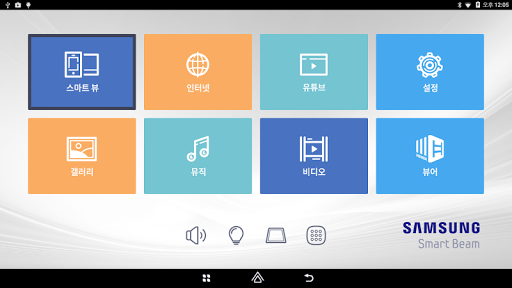
Android app profile
삼성 스마트빔 리모콘 for Android – Latest Version & Features
by Samsung Electronics (한국총괄)
★★★★★
(0 ratings)
Rate this app
How do you feel about 삼성 스마트빔 리모콘?
Thanks for your feedback!
> 2.2k
Monthly Downloads
~$900
Estimated Cost
Screenshots




