
Hello, this is NOTEGG Not Egg 破卵.
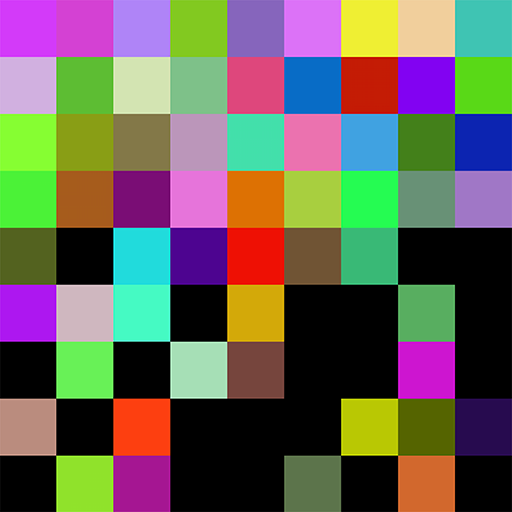
[14PX] Ilsa Pixel is a random color pixel play application.
You can easily create sensuous results with a variety of colors and simple tapping.
It is a fun application that can be used in various ways depending on who uses it.
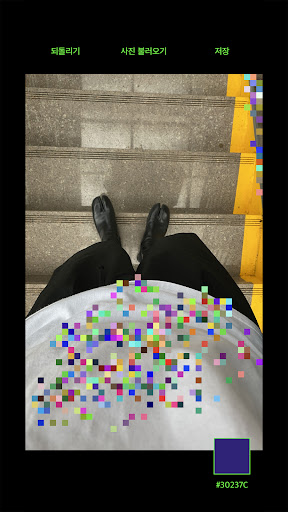
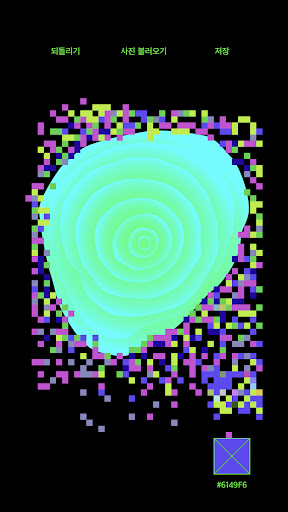
Use it your own way and enjoy 14PX in a variety of ways!*Photo Decorate*Decorate your photos with sensational colored pixels that randomly appear!*hide photo*No more childish stickers or obvious mosaic blur effects!*Coloring Book*Sweat by stitch with colorful pixels!
Use it as a mind and body healing coloring book.[How to use]When you tap on the screen, pixels are taken in a random color.Shake the device to easily delete all.[Import photo] You can decorate photos with pixelsYou can use [Fix Color Mode] to fix the desired color value.[Zoom in/out] You can zoom in/out the screen with two fingers!The [Revert] function allows you to go back to the previous operation you want.[Save] You can save photo+pixel or pixel only in two modes.[question]@ : [email protected] : www.notegg.co.kr
https://andro.io/app/sj14px
 Power 100


Android app profile
14PX - 랜덤 픽셀 플레이 for Android – Latest Version & Features
by NOTEGG
★★★★★
(0 ratings)
Rate this app
How do you feel about 14PX - 랜덤 픽셀 플레이?
Thanks for your feedback!
> 2.2k
Monthly Downloads
~$900
Estimated Cost
Screenshots









