

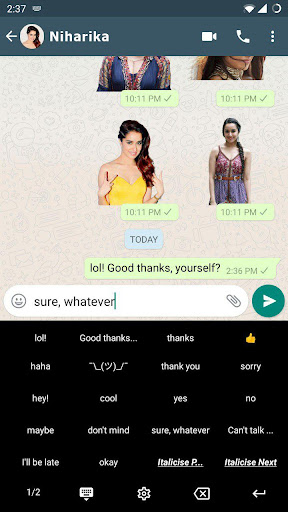
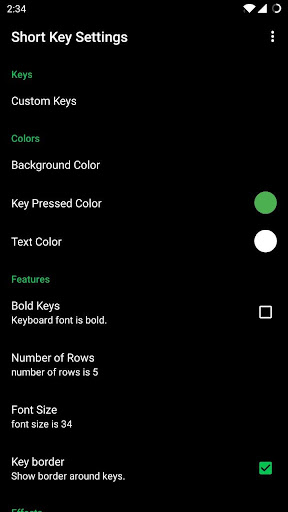
A customisable and short cut or *Short Key* keyboard for your pointless wasting time.* Add as many custom keys as you need.* Quickly switch between Short Key and your other keyboards* Choose from n number of material design colours* Add your favourite hashtags and trending keywords* Easily Italicise/bolden and other things in WhatsApp* More powerful copy/paste automation with Commands* Custom text emoji/faces (e.g.
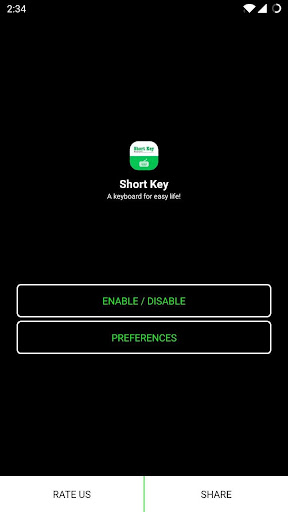
¯_(ツ)_/¯)* This App is Free to UseHow can I enable it and set it as the default keyboard?- On Android 5.x and newer versions:Open Settings -> Language & Input, under “KEYBOARD & INPUT METHODS” section, go to Current Keyboard -> Choose Keyboards -> Check “Short Key Keyboard” -> back to “Language & input” -> Current Keyboard -> Select “Short Key Keyboard” When typing in an input box, you can also change the default input method by clicking the keyboard icon on the bottom right corner of the screen.- On Android 4.x:Open Settings -> Language & Input, under “KEYBOARD & INPUT METHODS” section, check Short Key Keyboard, then click Default and select “Short Key Keyboard” in the “Choose input method” dialogue.When typing in an input box, you can also change the default input method by selecting the “Choose input method” in the Notification area.------------------------------------------------------Have Feedback us?For any question, feedback or just a query, write to us at [email protected]
https://andro.io/app/shortkeyboard

Rate this app
How do you feel about Short Key - Design Keyboard?
Thanks for your feedback!
> 2.2k
Monthly Downloads
~$900
Estimated Cost
Screenshots









