
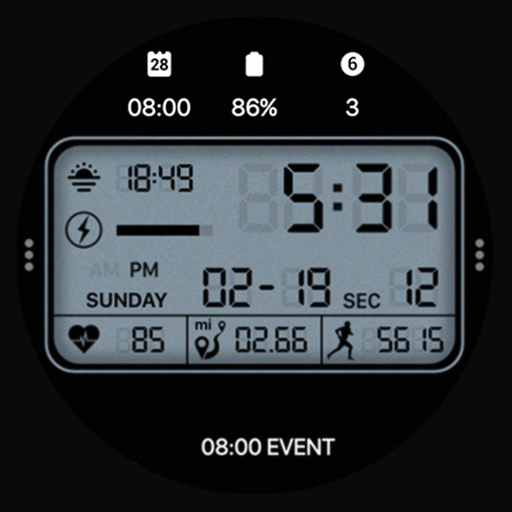
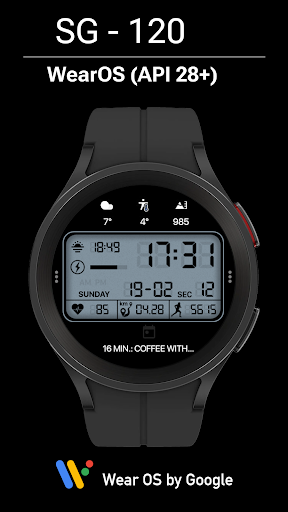
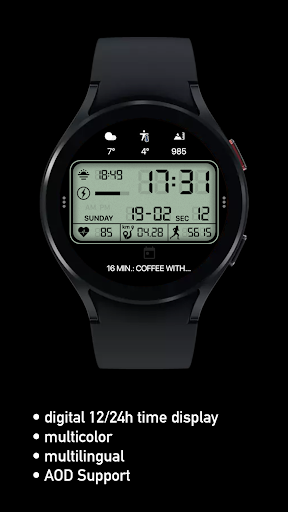
The SG-120 is a digital watch face for Wear OS by SGWatchDesign.BUY ONE GET ONE!
OFFEROnly for Wear OS devices-API 30+Functions• True black background (OLED-friendly)• 12/24-hour time (adapts to the connected phone)• distance in km or miles based on smartphone language settings miles english UK and UK, km all other language• date based on smartphone language settings MM-dd English US and UK, dd-MM all other language• heartrate Measurement interval 10min and manual (tap on heart icon)• high resolution• 5 custom complications• 2 app shortcuts• Unique ambient mode with low OPR and adaptive color• Energy efficient• Multilingual dateADJUSTMENT• Long press on the center of the watch> Open adjustment settings1st color 30x2.
complication and app shortcutFor full functionality, please activate the authorization "Sensors" and "Receive complications data" manually!The telephone app only serves as a placeholder to simplify the installation and finding of the dial on your Wear OS watch.
You have to select your Watch device from the drop-down menuPlease send all problem reports or help inquiries to our support [email protected]
https://andro.io/app/sg-120
 Power 100


Android app profile
SG-120 for Android – Latest Version & Features
★★★★★
(0 ratings)
Rate this app
How do you feel about SG-120?
Thanks for your feedback!
> 2.2k
Monthly Downloads
~$900
Estimated Cost
Screenshots









