
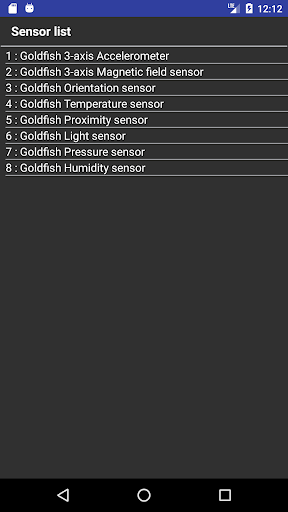
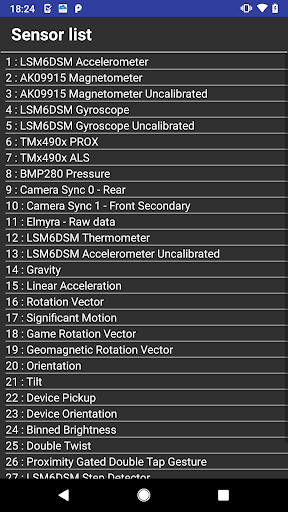
Display a list of sensors.
You can also display sensor information.
List of sensors All sensors collected by the Android API are displayed (Vendor-defined sensors that are not provided by the Android API are also displayed * 1).
Sensor information You can see the sensor information and sensor value by clicking the sensor list.
Sensor value The sensor value is displayed by the following method.(1) Displayed when the sensor value changes (* 2)(2) Display the values field provided by SensorEvent of Android API (* 3) Unit For the unit of sensor value, refer to "values [n]" of each sensor below.https://developer.android.com/reference/android/hardware/SensorEvent.htmlFor details of other sensor information, refer to the method information of "get ..." below.https://developer.android.com/reference/android/hardware/Sensor* 1 A list of sensors is created from the information of SensorManager (getSensorList) of Android API.
For details on SensorManager and getSensorList, refer to the following Android API information.https://developer.android.com/reference/android/hardware/SensorManager* 2 Some sensors take time to meet the conditions for changing values.
In addition, some sensors cannot detect changes in the value with this app.* 3 The value in the values field is forcibly displayed even if the sensor does not provide the sensor value in the values field.
Therefore, the sensor value may not be displayed or may not be displayed correctly.
https://andro.io/app/sensorlist2



Android app profile
Sensor List for Android – Latest Version & Features
Power 100
Rate this app
How do you feel about Sensor List?
Thanks for your feedback!
> 2.2k
Monthly Downloads
~$900
Estimated Cost
Screenshots




