
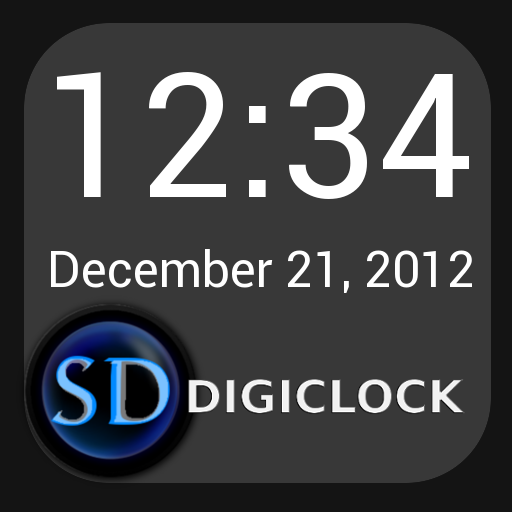
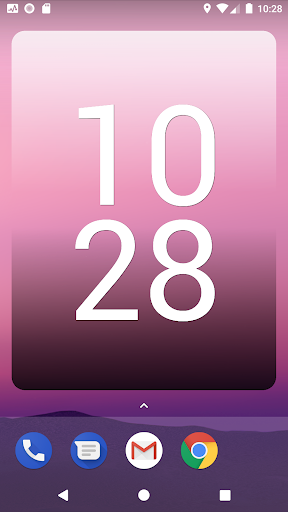
SD DigiClock WidgetThis is a resizable digital clock and date widget for your home screen.****To add a widget press and hold on the home screen, then select widgets.
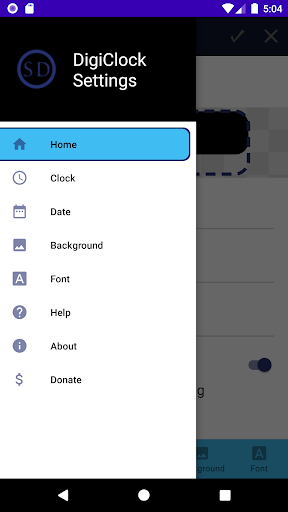
Search for SD Digiclock and drag it to your home screen****** If you cannot see clock or date on widget resize the widget or the text sizes to a smaller size****Click the top left corner of the widget to access the settings menu** **Press the Check Mark at the top of the settings menu to SAVE settings**Features:-Resize widgets as small or large as you like.-Show clock and date, or clock only.-Change size of text for clock and date.-Change color of clock or date, or choose to have them match-Show/hide am or pm.-24 Hour Clock (Military time / no AM/PM)-Choose format of date (January 1, 2020 or 1/1/20 etc.)-Choose from a few backgrounds.-Advanced mode: choose from more backgrounds and fonts-Classic mode: the original, allows for larger text sizes.
Fonts and some background options are unavailable in classic mode.-Launch application by clicking the clock.
Choose the application through the settings for each widget.-Click top left corner of widget for settings menu.-Click top right corner to refresh the widget.This is a simple widget I made for myself, and decided to share with you.
If you like it please consider rating the app and leaving a comment.Thanks to Yuku for the color picker!
https://andro.io/app/sddigiclock
 Power 100


Android app profile
SD DigiClock Widget for Android – Latest Version & Features
★★★★★
(0 ratings)
Rate this app
How do you feel about SD DigiClock Widget?
Thanks for your feedback!
> 2.2k
Monthly Downloads
~$900
Estimated Cost
Screenshots









