
Live Streamer is a powerful, feature-packed streaming app for mobile devices.
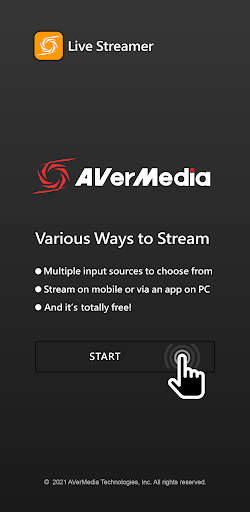
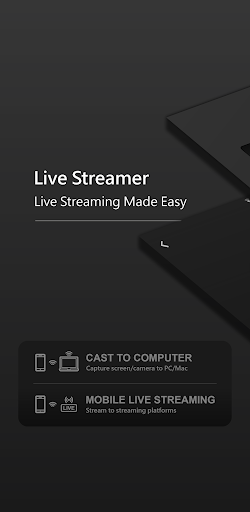
Share your story with the world, anytime and anywhere.[Easy for Everyone]Streaming in only 3 steps:.Choose a streaming mode..Set up a streaming account and video quality..Press the start button.[Screen Capture or Camera Mode]Stream either your mobile’s screen or via its camera.Interact with audiences right away without any delay.[Mobile Streaming or Casting to PC]Mobile Live Streaming: stream directly without a PC, with no device limits or restrictions.Cast to Computer: capture mobile screen and cast it to a PC as a video source.[Streaming on Major Platforms]Connect to major streaming platforms including YouTube, Twitch and Facebook.[Personalize Each Stream]Video Quality: adjust video quality before each streaming session.
You can even set up video resolution and frame rate to fit certain platform standards.Audio Mixer: customize your audio levels to satisfy any indoor or outdoor needs—mix it up your way.[We Care About Your Privacy]Do you worry about a sudden phone call during live streaming?Upon an incoming call, the app can be set to stop the live streaming to protect your privacy.[Most of all……it’s FREE!!]We care about user experience.Start your own streaming with no strings attached.
https://andro.io/app/screenstreamer
 Power 100


Android app profile
Live Streamer for Android – Latest Version & Features
by AVerMedia TECHNOLOGIES, Inc.
★★★★★
(0 ratings)
Rate this app
How do you feel about Live Streamer?
Thanks for your feedback!
> 2.2k
Monthly Downloads
~$900
Estimated Cost
Screenshots




