

Screen recording is a tool provided by OPPO that lets you conveniently record your screen.
Multiple ways to open this tool- Bring up the Smart Sidebar from the screen edge and tap "Screen recording".- Swipe down from the top of the screen to bring up Quick Settings and tap "Screen recording".- Swipe down in an empty area on the Home screen, search for "Screen recording" and tap the icon of this tool.- Open a game in Game Space, swipe from the upper-left corner of the screen to the lower-right corner, and choose "Screen recording" from the menu.
Various video quality options- Choose the definition, frame rate, and coding format you want to record with.
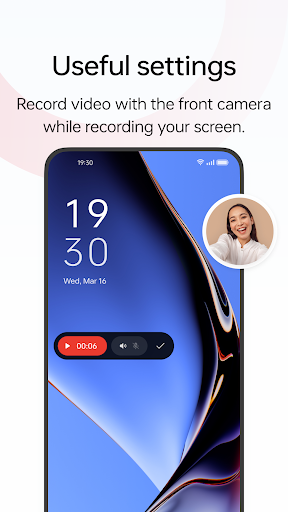
Useful settings- You can record the system sound, external sound through the microphone, or both at once.- You can record video with the front camera while simultaneously recording your screen.- Screen touches can also be recorded.- You can pause or resume a recording by tapping the button on the recorder toolbar.
Share your recordings- When a recording is complete, a floating window will appear.
You can tap "Share" under the window to share it or tap the window itself to edit the video before sharing.
https://andro.io/app/screenrecorder-uhp3



Rate this app
How do you feel about Screen recording?
Thanks for your feedback!
> 2.2k
Monthly Downloads
~$900
Estimated Cost
Screenshots




