
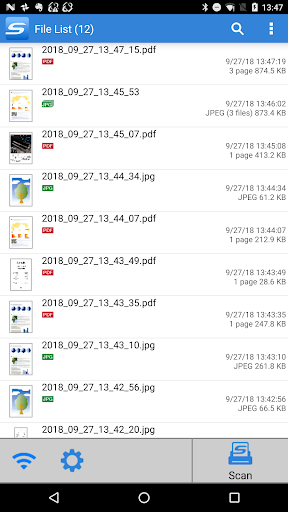
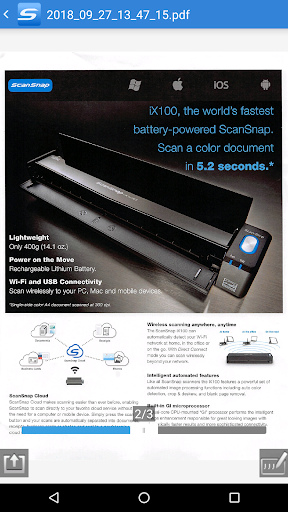
[About ScanSnap Connect Application]This application easily allows your Android OS smartphone or tablet device to handle images scanned with the personal document scanner “ScanSnap”.[What you need]To use ScanSnap Connect Application, you need to have Wi-Fi connection (via direct connection or your router) and the following devices.・Wi-Fi-supported ScanSnap Computer may be required for initial setup.[Main features of ScanSnap Connect Application]-Receive and view PDF/JPEG images scanned with ScanSnap in a seamless manner.-Receive ready-to-use files already corrected with various features (automatic paper size detection/auto color detection/blank page removal/deskew).-View images offline.-Open the images with other applications on your smartphone or tablet device that support PDF/JPEG files.
Also, send images to e-mail software or an application such as Evernote that supports PDF/JPEG files.
[How to use ScanSnap Connect Application]-For information about the settings/using this application, press the [Menu] button after you start the application, then refer to [Help].-For details about using ScanSnap, refer to the Basic Operation Guide, Advanced Operation Guide or Help bundled with ScanSnap.
https://andro.io/app/scansnapconnectapplication
 Power 100

Android app profile
ScanSnap Connect Application. for Android – Latest Version & Features
by PFU Limited.
★★★★★
(0 ratings)
Rate this app
How do you feel about ScanSnap Connect Application.?
Thanks for your feedback!
> 2.2k
Monthly Downloads
~$900
Estimated Cost
Screenshots









