
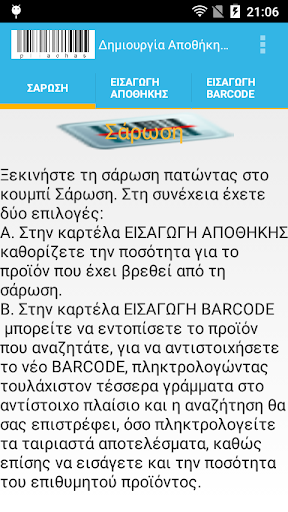
The application screen consists of three tabs.A.
SCANNINGII.
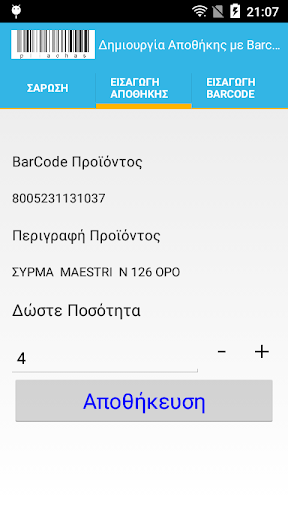
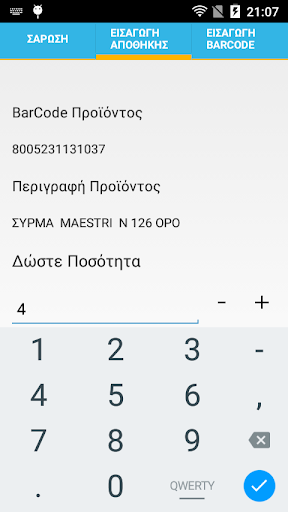
INTRODUCTION WAREHOUSEIII.
INTRODUCTION BARCODE.The application operation is as follows.
On the first tab, (SCAN), scan the BARCODE product whose amount you want to save.
If the product is in your warehouse IMPORT WAREHOUSE tab appears and description.
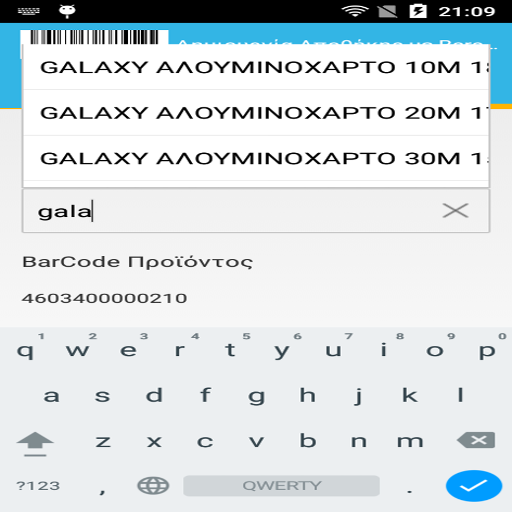
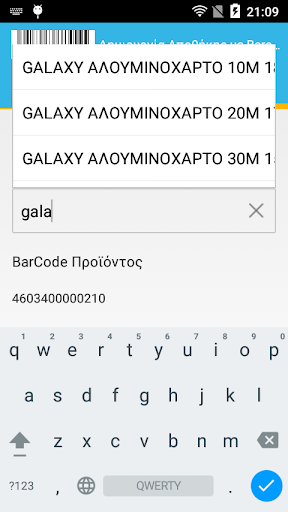
It remains therefore spend the desired amount.But if you have a product that has not BARCODE, or you want to assign a new one, then after you scan the BARCODE product, go to the tab Introduction BARCODE and in the text box that says "contains" type at least four letters of the product which you want to assign the new BARCODE.
Automatically as you type the application will display the matching results and you can select from the dropdown list the desired product.
Of course apart from the correspondence of BARCODE you can specify and the amount of product you have in store.If you are interested in creating your own product list, you can contact me.
https://andro.io/app/scanbarcodev2
 Power 100
Android app profile
Απογραφή Αποθήκης με Barcode v for Android – Latest Version & Features
★★★★★
(0 ratings)
Rate this app
How do you feel about Απογραφή Αποθήκης με Barcode v?
Thanks for your feedback!
> 2.2k
Monthly Downloads
~$900
Estimated Cost
Screenshots









