
How to Save PDF Page as Image JPG JPEG in AndroidTo save a PDF as a high-resolution image, we are going to use this simple Android App.
Save PDF as JPG Image is the most simple PDF software that is doing special task.
With this App, you can save a PDF page file as image in JPG with high resolutionthis app is 100% free download..you dont need to pay to use without limitation.you can use this app as many as you need.follow this is step-by-step guide on how to Save PDF as JPG Image:1.
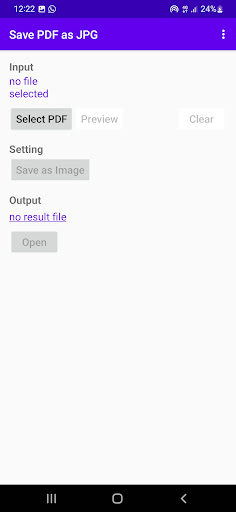
Open this App on your android phone2.
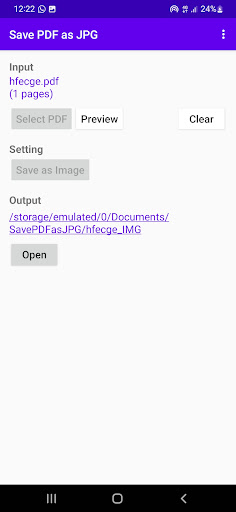
Tap Select PDF button to select pdf file that you want to save as image.
tap Preview button when you need to preview selected pdf file tap Clear button when you need to select another pdf file3.
Tap Save as Image button to do the task4.
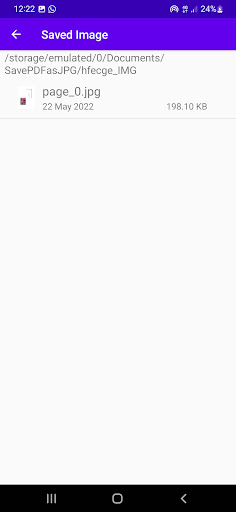
Just wait in no time then your image is ready.Congratulation,the task save your pdf file as jpg image file is done.
https://andro.io/app/savepdfasjpgimage
 Power 100

Android app profile
Save PDF As JPG Image for Android – Latest Version & Features
★★★★★
(0 ratings)
Rate this app
How do you feel about Save PDF As JPG Image?
Thanks for your feedback!
> 2.2k
Monthly Downloads
~$900
Estimated Cost
Screenshots









