
*** Requires a corTalk® RBT1 and RMU3 to use.
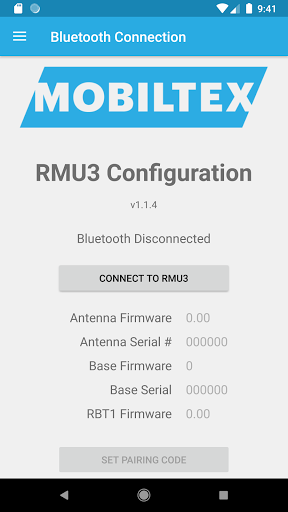
***Contact us at [email protected] to purchase.This app is for configuring the corTalk® RMU3 (Remote Monitoring Unit 3) with the new RBT1 Bluetooth interface cable.
The cable functions as a complete RMU3 programming interface but only requires the Bluetooth connection of your phone.
The RMU3 is used to monitor a cathodic protection rectifier with accurate measurement of a wide variety of signals; it can also control the rectifier for survey operations by switching a relay at precisely timed intervals.
This app allows access to diagnostic information on the RMU3 and allows setting up the configuration to meet the customers needs.
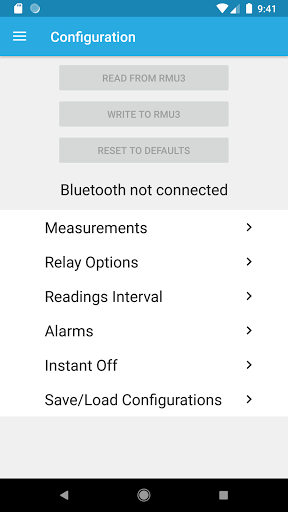
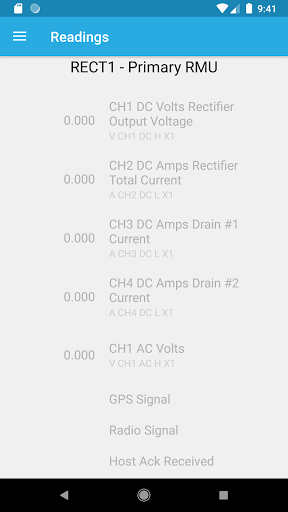
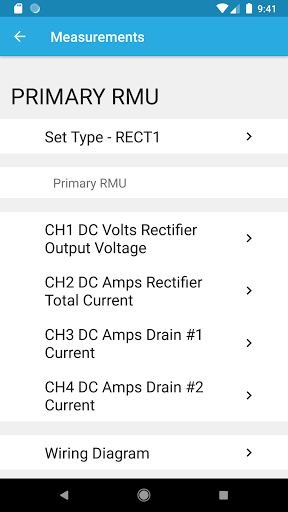
Note that measurement data logs, due to their size, can only be extracted from the RMU3 using the PC configuration application through the USB port.The app allows full configuration of the RMU3 including - slot measurement types- limits- slot scaling and offset- relay options- instant off timing- interruption On/Off/CycleOther features include the- viewing of readings and their limits- detailed status screen for troubleshooting- integrated manual- wiring diagrams for each measurement typeThe RBT1 is always in a Bluetooth pairing mode and requires a pairing code entered on the app.
The pairing code (default=123456) can be found and changed with the app or reset by tapping the RBT1 5 times in 10 seconds with a user-supplied magnet.
Once paired, the Android device can reconnect without needing to re-enter the code.
https://andro.io/app/rmu3config
 Power 100
Android app profile
RMU3 Config for Android – Latest Version & Features
★★★★★
(0 ratings)
Rate this app
How do you feel about RMU3 Config?
Thanks for your feedback!
> 2.2k
Monthly Downloads
~$900
Estimated Cost
Screenshots









