
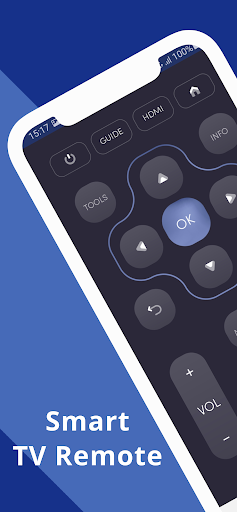
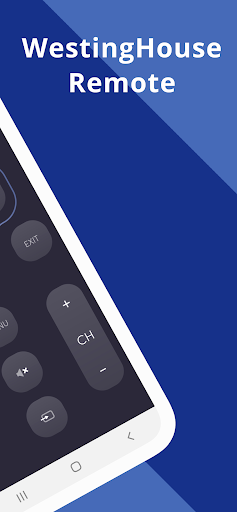
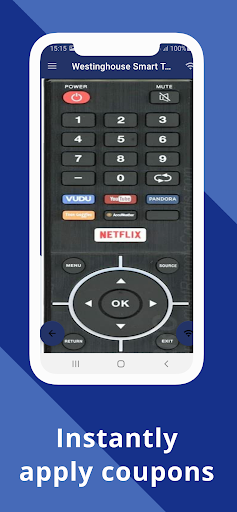
Why WestingHouse Smart TV Remote ControlConvert your mobile device into WestingHouse Smart TV Remote and get rid of drained batteries and broken plastic remotes.
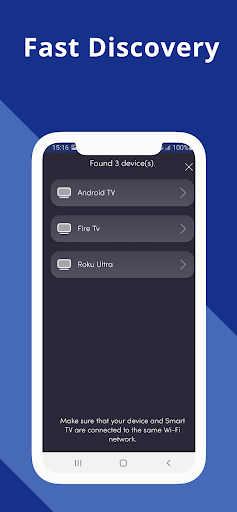
Supported WestingHouse Smart TVs- - Supports All WestingHouse Smart TV with Android OS OR Android TV RemoteThis remote control for WestingHouse Smart TV supports Android OS and Traditional IR devices.Network CompatibilityTo use WestingHouse Smart TV Remote your WestingHouse Smart TV and your mobile device must be on the same Wi-Fi Network, once the Smart TV is detected then you will have to Enter the PIN shown on TV to start using WestingHouse Smart TV Remote.Traditional IR DevicesSupports all traditional WestingHouse TVs, your phone must have IR blaster in it for using the WestingHouse TV Remote Control .
Functionality - ON / OFF - Volume Controls- Channel Controls- Mute- Navigation Controls- Multi Media Controls- Home- Touch Pad- Many More- For Traditional WestingHouse TV Remote, supports all the functions in the remote.
Android TV In addition to WestingHouse Smart TV, our Remote Control for WestingHouse Smart TV Supports Android Chromecast OS.
Smart TV Remote Can be used - WestingHouse Android TV Remote- WestingHouse Remote Smart TV DisclaimerThis app is not an official WestingHouse application.
We are not affiliated with WestingHouse Inc in any way, we have just presented it in a better way.Reach UsIf in any case your WestingHouse Smart TV Remote is not getting connected please reach us at [email protected].
We are always working to improve our product.
https://andro.io/app/remote-1934f
 Power 100
Android app profile
WestingHouse Smart TV Remote for Android – Latest Version & Features
by Naba
★★★★★
(0 ratings)
Rate this app
How do you feel about WestingHouse Smart TV Remote?
Thanks for your feedback!
> 2.2k
Monthly Downloads
~$900
Estimated Cost
Screenshots









