
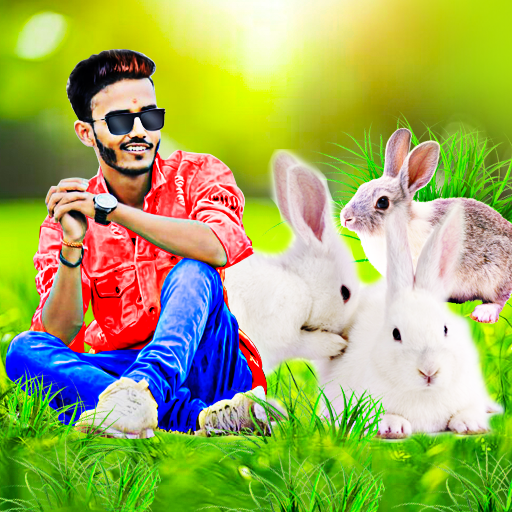
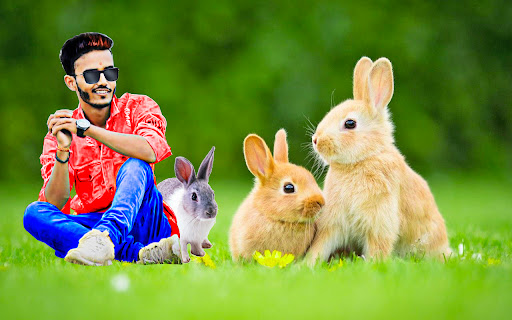
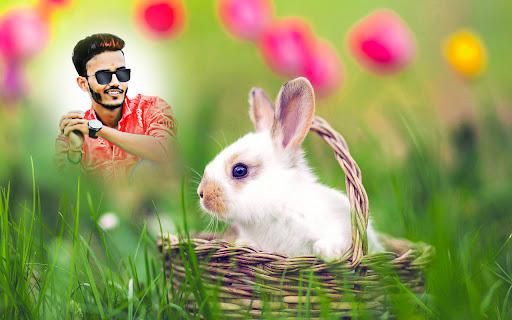
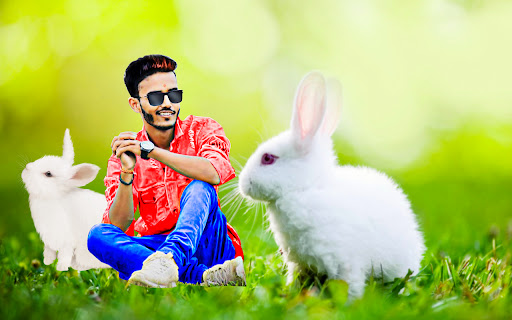
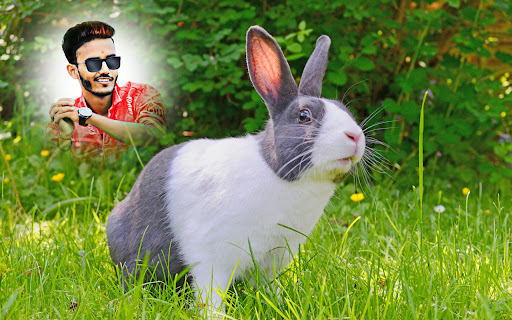
Rabbit photo editor and frames is a photo editor application designed to enhance your rabbit-themed photos and add beautiful frames.
With a wide variety of editing tools, filters, stickers, and effects, you can effortlessly transform your images into captivating works of art.The app also offers an extensive collection of adorable rabbit frames to choose from, allowing you to showcase your favorite bunny moments in a creative and fun way.
Whether youre a bunny enthusiast or simply want to add a touch of cuteness to your photos, Rabbit photo editor and frames has got you covered.Welcome to the world of fluffy bunnies and adorable rabbit-themed photo editing!
With Rabbit photo editor and Frames, you can unleash your creativity and add a touch of cuteness to your favorite pictures.Key Features:Easy-to-use Editing Tools: Crop, rotate, and adjust brightness, contrast, and saturation to perfect your rabbit photos.Backgrounds: There are many different rabbit photo backgrounds to choose from.Frames: The picture has a plethora of cute rabbit frames that add to its appeal.Text: Text that can be tweaked with a gorgeous font, tint, texture, gradient, and shadow should be added to the image.Stickers: To edit the stickers, first place them where you desire them on the image, then rotate, resize, and delete them.Cut: To remove the undesirable area, cut the image.Erase: Erase the part of the cut that was not desired.Blur: Distorts the background of the image.Splash: Add a splash colour effect to the image.
Fit: The image was modified according to the aspect ratio, which might be 1:1, 4:3, 3:4, 5:4, 4:5, or 16:9.Overlay: On top of the image, overlay the effect.Filter: The image has a colour filter applied to it.
Brush: Use the colour, magic, and neon brushes to create doodle art.Intuitive User Interface: Our app is designed with a friendly and easy-to-navigate interface, making it suitable for both beginners and experienced users.Save and Share: Save your edited rabbit photos directly in your gallery and share the images from the app on social media platforms.
https://andro.io/app/rabbitphotoeditorandframes
 Power 100
Android app profile
Rabbit photo editor and frames for Android – Latest Version & Features
★★★★★
(0 ratings)
Rate this app
How do you feel about Rabbit photo editor and frames?
Thanks for your feedback!
> 2.2k
Monthly Downloads
~$900
Estimated Cost
Screenshots









