
Screen and audio recording with easy operation.The screen is simple.
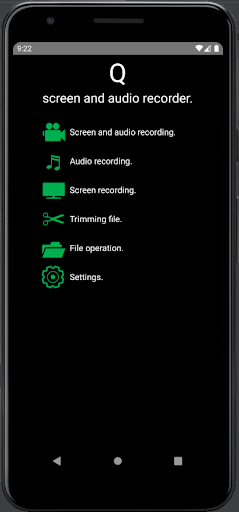
The operation of the app is light.You can use it immediately after installation.[Recording modes.]1.Screen and audio recording.
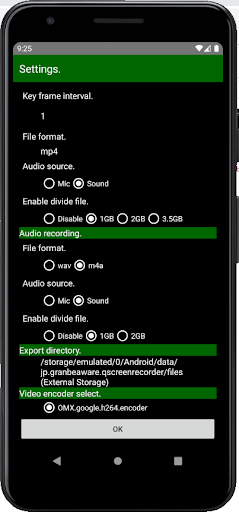
Video encode : h.264 Audio encode : aac File format : mp42.Audio recording.
Audio encode : aac No encode : pcm File format : m4a or wav3.Screen recording.
Video encode : h.264 File format : mp4[Light weight design.] The launch time of the app is short and you can record quickly.[Other functions]1.File trimming.2.Move to media directory on device.3.Long-time recording.[Note.]1.This app does not add ads or watermarks in save file.2.To record the audio that app is playing, the target app must allow audio recording.3.Some features are device dependent.
Please check the recording result once after installation.4.Works with Android version 10 and later.5.Recommended to use hardware encoder.[OS version.] Android version 10 later and android go edition.
[Manual](English) https://gbw-portal.appspot.com/pages/ja/pageview.html?cat=qScreenRecorder&p=p001
https://andro.io/app/qscreenrecorder
 Power 100


Android app profile
Q screen recorder-easy&quick for Android – Latest Version & Features
by Granbeaware
★★★★★
(0 ratings)
Rate this app
How do you feel about Q screen recorder-easy&quick?
Thanks for your feedback!
> 2.2k
Monthly Downloads
~$900
Estimated Cost
Screenshots









