

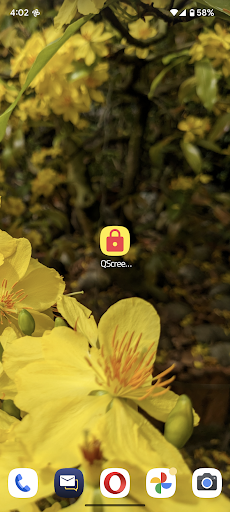
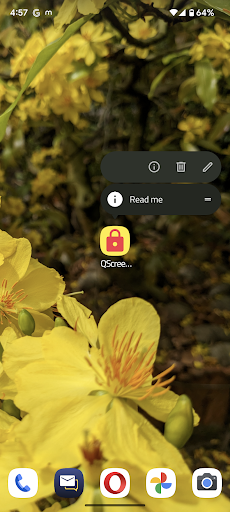
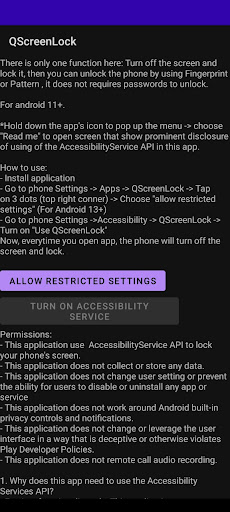
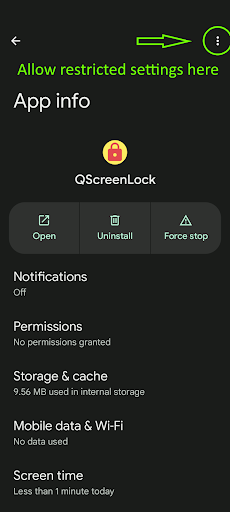
There is only one function here: Turn off the screen and lock it, then you can unlock the phone by using Fingerprint or Pattern , it does not requires passwords to unlock.For android 11+.*Hold down the apps icon to pop up the menu -> choose "Read me" to open screen that show prominent disclosure of using of the AccessibilityService API in this app.How to use:- Install application- Go to phone Settings -> Apps -> QScreenLock -> Tap on 3 dots (top right conner) -> Choose "allow restricted settings" (For Android 13 and above)- Go to phone Settings ->Accessibility -> QScreenLock -> Turn on "Use QScreenLock"Now, everytime you open app, the phone will turn off the screen and lock.Permissions:- This application use AccessibilityService API to lock your phones screen.- This application does not collect or store any data.- This application does not change user setting or prevent the ability for users to disable or uninstall any app or service- This application does not work around Android built-in privacy controls and notifications.- This application does not change or leverage the user interface in a way that is deceptive or otherwise violates Play Developer Policies.- This application does not remote call audio recording.1.
Why does this app need to use the Accessibility Services API?- For App functionality only: This application use AccessibilityService API to have right to lock your phone screen.2.
Does this app collect and/or share personal or sensitive data using the accessibility capabilities?
- No.
https://andro.io/app/qscreenlock
Rate this app
How do you feel about Q Screen Lock?
Thanks for your feedback!
> 2.2k
Monthly Downloads
~$900
Estimated Cost
Screenshots









