
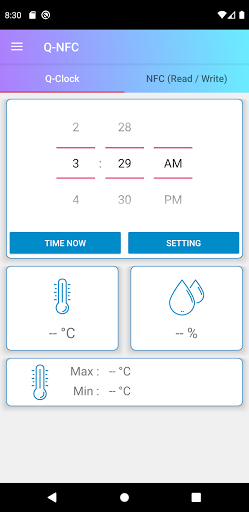
IntroductionOperating voltage: 2.0V ~ 3.6V.Time display: 12-hour clock.Temperature display: -9.9~70℃.Humidity display: 10%~90% RH.NFC function: Support ISO 14443A communication protocol.DescriptionTime setting: User can set the time through Nyquest Q-NFC.
Press "SETTING" after setting the time column, and then place the product near the mobile phones NFC antenna (approximately 10mm away) to complete the time setting.Temperature and humidity detection: Detect temperature and humidity sensors and refresh every 10 seconds.Access data: The current temperature, humidity, and the max/min temperature history can be shown on phone through the Nyquest Q-NFC.
Put the clock near phones NFC antenna (approximately 10mm away) to access data.
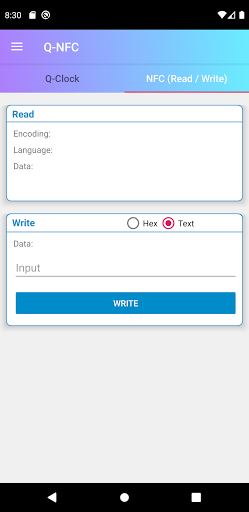
The format is UTF-8.For more information, please search "NY8LP11A" or contact [email protected]
https://andro.io/app/qnfc
 Power 100
Android app profile
Q-NFC for Android – Latest Version & Features
by Nyquest Technology Co., Ltd.
★★★★★
(0 ratings)
Rate this app
How do you feel about Q-NFC?
Thanks for your feedback!
> 2.2k
Monthly Downloads
~$900
Estimated Cost
Screenshots









