

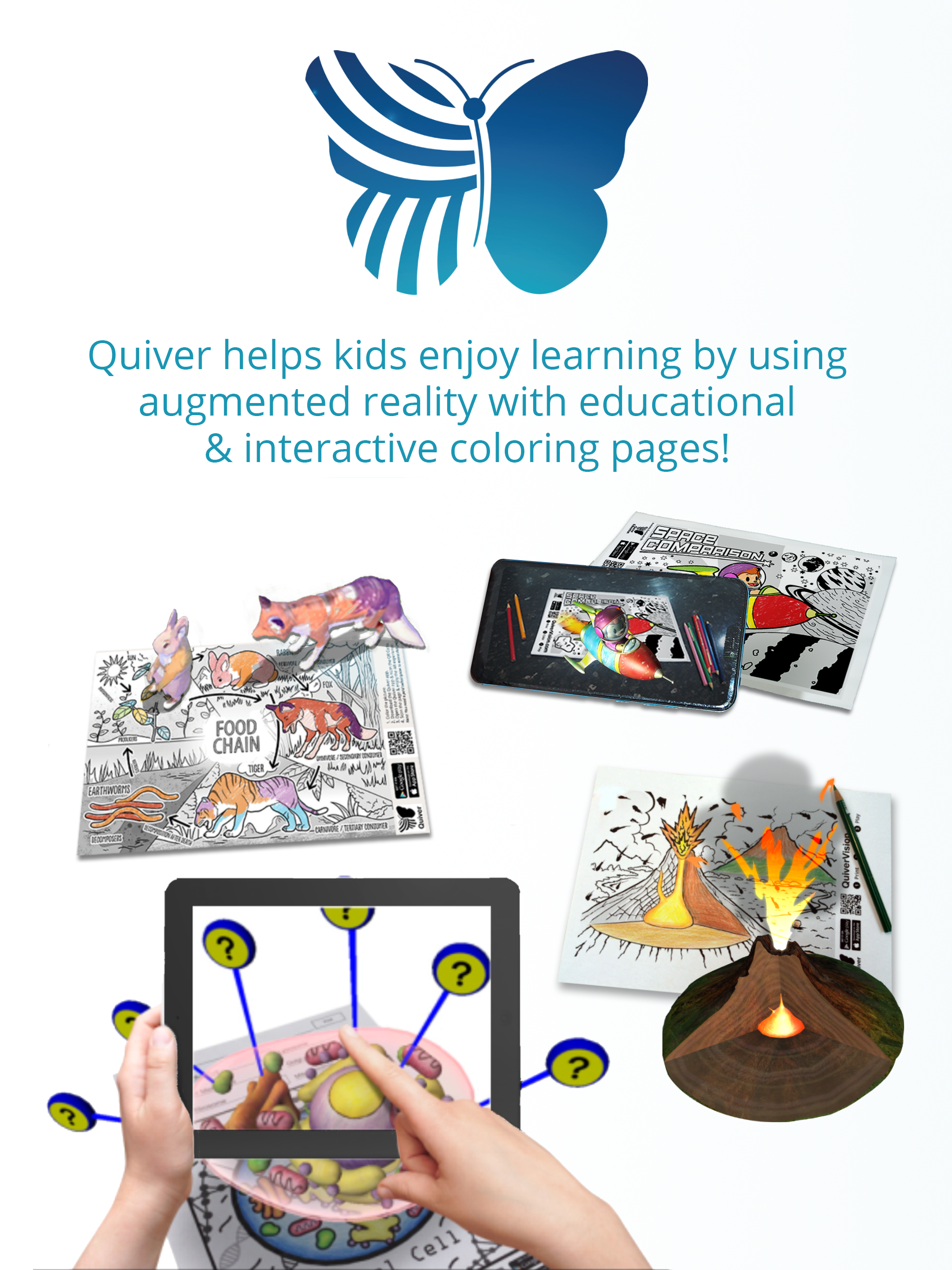

The Quiver App makes learning fun by combining physical coloring with cool augmented reality technology to create an engaging, educational and magical experience.You can test our free pages by downloading them from our website (https://quivervision.com/).
By using our expertise in augmented reality technology, the Quiver App makes a huge range of educational topics fun to learn about by letting the users creativity and imagination run wild.
Every colored page comes to life in its uniquely colored way, giving the artist an immediate and special sense of ownership and pride!
The Quiver App is immersive, educational, exciting and inspiring – a must have tool for the classroom or at home where kids can develop skills and retain knowledge like never before.
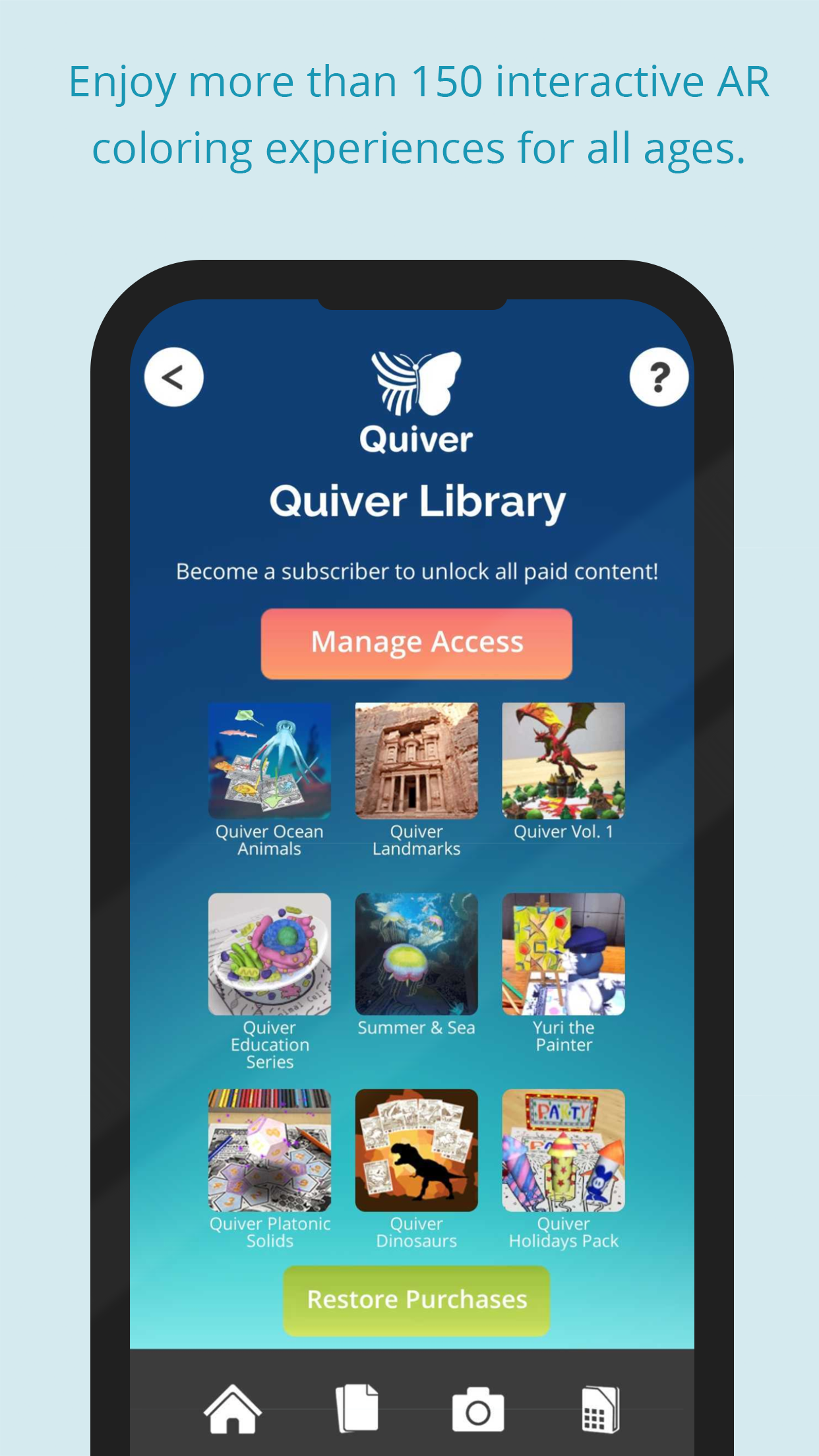
Try it out yourself and we are sure you will agree.If you are willing to subscribe, Quiver is your one-stop shop for Augmented Reality content and lesson plans for Pre K to Year 4 and beyond.
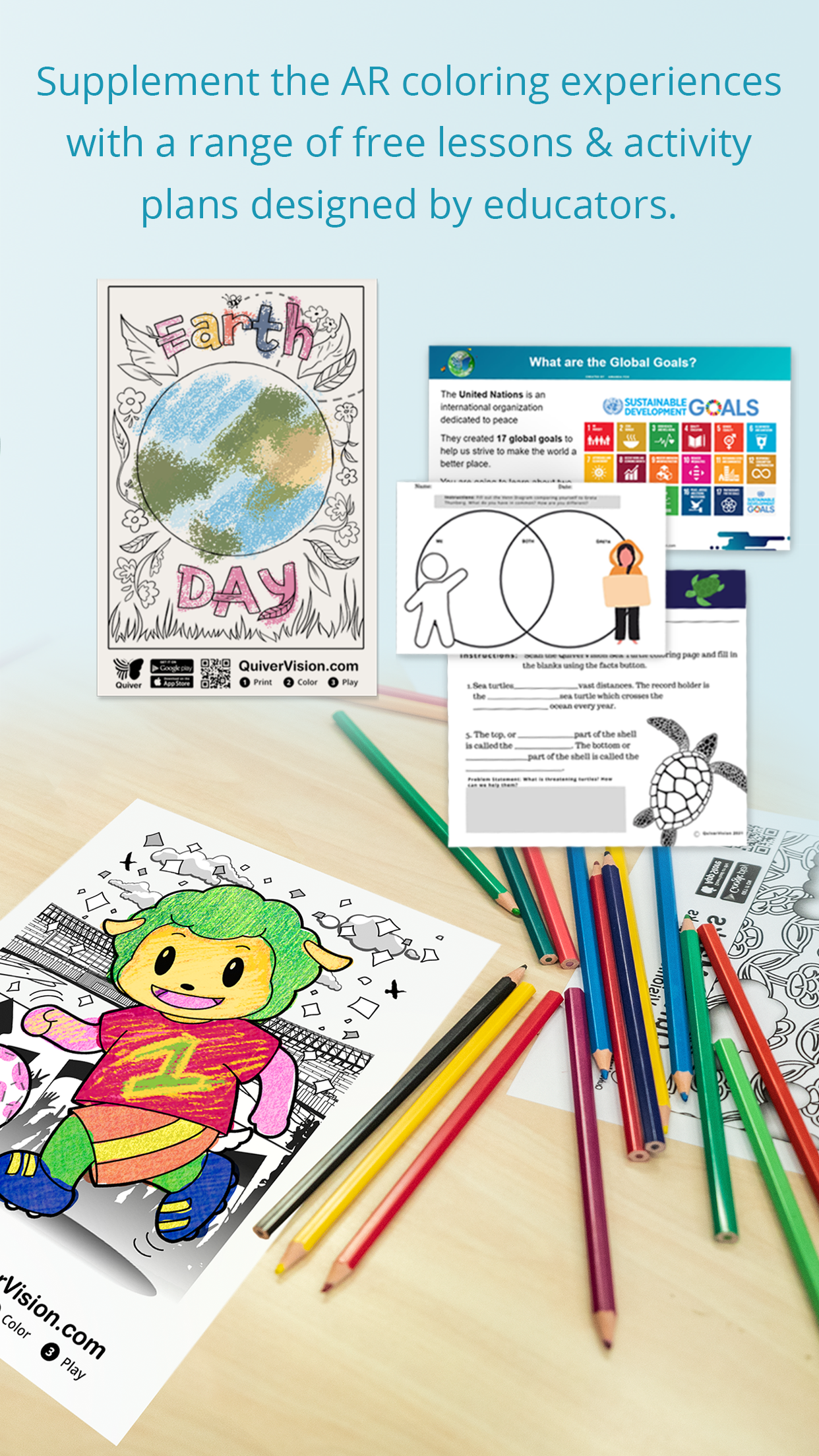
The Quiver App and website offer an educational platform that helps students better visualize & understand various learning subjects.Included for free on the website are a great range of augmented reality lessons, created by teachers & educators, and specifically designed to meet the needs of all students by incorporating a variety of activities.
It’s now time for you to start using augmented reality in your classroom right away!The Quiver Education dashboard also allows the Quiver App to be deployed across multiple devices in the classroom using just one subscription.
This then allows all of those devices to access and use all of the available Quiver App content during the term of the subscription.
How to use:- Using Quiver couldn’t be simpler.- First, find our pages by downloading the app and on our website: https://quivervision.com/.- Next, save and print your pages from the computer and color away with your favorite colors.- Ready to bring your finished creation to life?
Simply open the Quiver App, press the camera button, scan the page QR code, then scan the coloring page with your camera and watch your coloring leap from the page like magic!
How cool is that?- No two pages are the same, making each new Quiver experience as memorable and exciting as the last.Visit our website (https://quivervision.com/coloring-packs) for a list of available Quiver coloring pages.
The pages include a range of educational pages (e.g.
abc’s, space, math, science, geography) plus a range of pure entertainment pages with lots of fun and games included.Features:- Traditional coloring with immersive educational augmented reality.- Learn and discover, with quizzes and other educational tools.- A range of free lesson and activity plans to match the available coloring pages.
- Watch your creations magically come to life on your smart device screen.- Engage, interact and play games with your creations.- Capture photos and videos of your creations to share with friends.- Different sound effects associated with each page.Please Note:- The Quiver App requires physically printed coloring pages to enjoy the full experience.- To print out pages, visit https://quivervision.com/coloring-packs.- An Internet connection is required to download new content associated with the Quiver App.- The Quiver App only works with QuiverVision pages - look for the Quiver Butterfly logo to ensure the pages are compatible.- In-app purchases & Subscriptions give access to premium Quiver content.- For more information, visit https://quivervision.com/.- For additional assistance, please contact us at [email protected] For our full terms of use, please visit https://quivervision.com/terms- The Quiver App collects anonymous, aggregated analytics data for the purpose of improving the app experience.
No personally identifiable data is collected nor requested by QuiverVision.
View our full privacy policy at https://quivervision.com/privacy-policyBug fixes.If you notice anything not working as expected, please contact us at [email protected]
M
2
★
★
★
★
★
Camera doesn't work. My device is oppo A12.




