
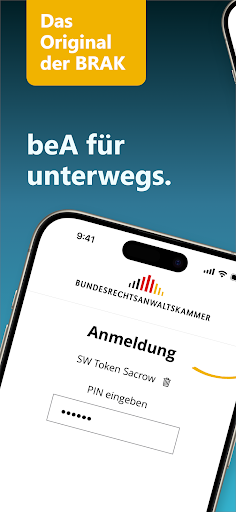
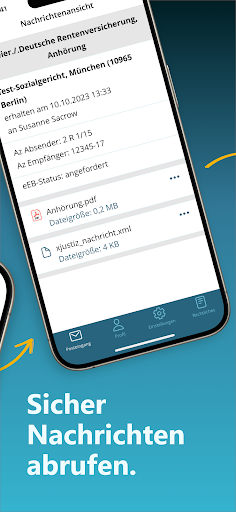
With the beA app you can access your special electronic lawyer mailbox (beA) on the move and open and read messages in all folders.
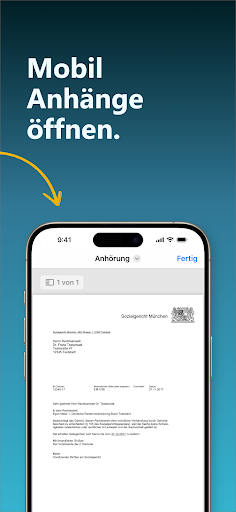
You can open and view attachments in most common file formats (e.g.
.pdf, .docx, .tiff, and .xml).
You also have access to additional mailboxes that you have been authorized for.To use the app, you absolutely need a software token (beA software certificate), which you can order from the Federal Chamber of Notaries.
To do this, go to the BNotK online shop at https://zertigungsstelle.bnotk.de/produkte/bestellung-werbung-bea.
In order to use the app, you must deposit the software token in your beA web application for your mailbox and activate it with your beA card.
You can then easily transfer the software token to the app using a QR code.
After the one-time setup, you can log in to the beA app at any time with the PIN of your software token or with biometric data, e.g.
Face ID (facial recognition) or Touch ID (fingerprint).Further information can also be found in the beA user help at https://handbook.bea-brak.de.
https://andro.io/app/prod-1lf6g
 Power 100

Android app profile
BRAK beA for Android – Latest Version & Features
by BRAK
★★★★★
(0 ratings)
Rate this app
How do you feel about BRAK beA?
Thanks for your feedback!
> 2.2k
Monthly Downloads
~$900
Estimated Cost
Screenshots









