
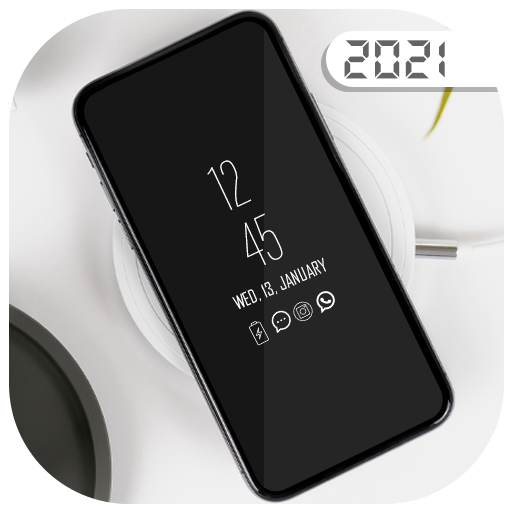
Super AMOLED Always on Display Pro 2021 provides information about, mobile time, date, notifications and more and all without having to touch the phone.
In this application Live Wallpapers (Display on Screen) is designed for this proposes to show some basic info in black screen whenever you want.
All information and notification will be permanently displayed on your screen.
You can see any time whats going on your phone, you can simply take your phone out of your pocket to view all the latest of all important Information and notifications in a similarly pleasing and minimalist manner by using this Always on Display app.Features• Easy to use• Always On Screen• Flashlight• Add Music Controller• Stylish and smart Watch• Enable and Disable showing notifications • Option to start display after screen lock activated• Handle display during calling• Change font color, size• Change clock style (digital, analog, Calendar and Photo and Emojis clock).• Display battery level.• Can be used as a night clock How to use this App:1) First of installed this application2) Click on always on display start3) To weak up your phone, double click on the screen4) To turn off screen just press power button5) The user can on or off service6) Enjoy Always On your phone Screen
https://andro.io/app/pro2021
 Power 100


Android app profile
Super AMOLED Always on Display for Android – Latest Version & Features
by coast
★★★★★
(0 ratings)
Rate this app
How do you feel about Super AMOLED Always on Display?
Thanks for your feedback!
> 2.2k
Monthly Downloads
~$900
Estimated Cost
Screenshots









