
Always have all the information related to your Colon Viviendas rental at hand.
A wide range of functionalities controlled from your mobile.Free app, available for iPhone, iPad and Android devices.WHAT CAN YOU DO FROM THE APP?
✓ Manage the reservation of your rental contract
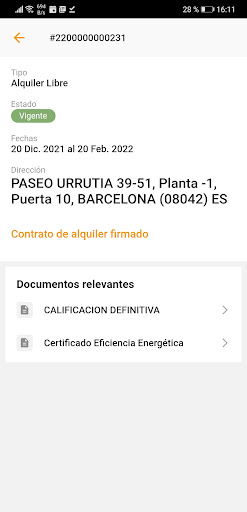
✓ Relevant documentation of your contract
✓ Process and consult the details of your contract
✓ Exchange messages with the support team
✓ Manage incidents
✓ View and direct debit your receipts
✓ Enjoy our special discounts for customers in home services (electricity and gas, alarms, home insurance, removals...)
✓ Modify your personal data
✓ See our contact details
✓ See our communicationsHOW TO USE THE APP?
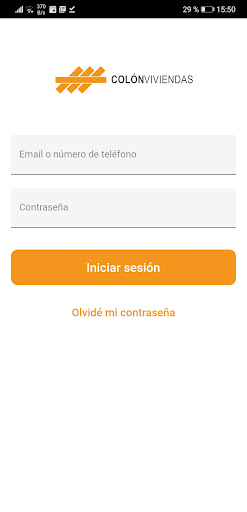
✓ Install the app on your mobile device→ If you are already a client: enter the username and password that you normally use in your client area.→ If you are not yet a customer: you must create a password.
To do this, you have to access "I dont remember my password" and indicate an email address where we have been communicating with you (where you will receive a link that will allow you to generate the access password).
✓ Move through the submenus: Rentals, Notices, Announcements, Receipts and More...
https://andro.io/app/pro-1b1sg
 Power 100


Android app profile
Colon Viviendas for Android – Latest Version & Features
★★★★★
(0 ratings)
Rate this app
How do you feel about Colon Viviendas?
Thanks for your feedback!
> 2.2k
Monthly Downloads
~$900
Estimated Cost
Screenshots









