
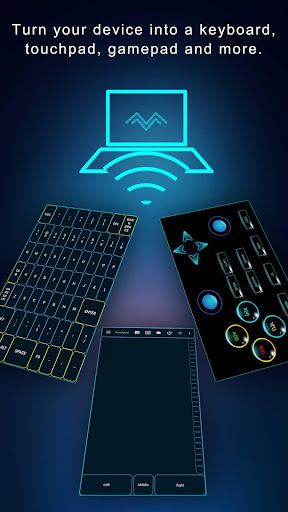
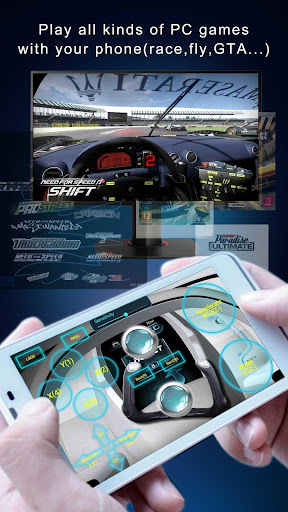
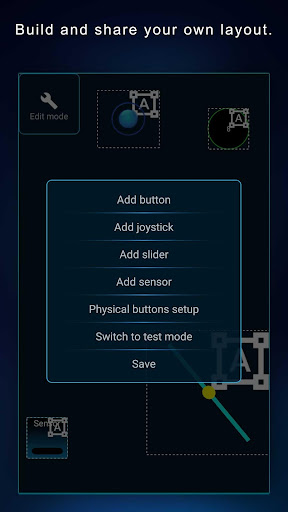
Elevate your PC experience with Monect PC Remote, a versatile and free app designed to give you full control of your computer, whether youre nearby or miles away.Key Features:- Enhanced Gaming: Immerse yourself in PC gaming with custom button layouts and onboard sensors.
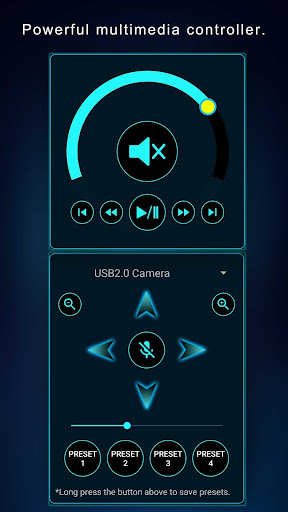
Tailor them to your preferences for an unbeatable gaming experience.- Real-time Screen and Camera Sharing: Share your PC screen and camera feed seamlessly with your smartphone.
Experience your PC as if its right in your hand.- Multi-Display Capabilities: Expand your workspace by adding up to 4 virtual displays to your PC, boosting productivity and multitasking.- Digital Artistry: Turn your device into a graphics drawing tablet with support for pressure-sensitive stylus pens.
Unleash your creativity in software like Adobe Photoshop®.- Effortless File Transfer: Seamlessly transfer files between your devices for ultimate convenience.- Top-Notch Security: Rest easy with our 256 Bit AES Session Encoding for secure remote network connections.How to Use:1.
Installation: Download Monect PC Remote from Google Play and the PC Remote Receiver from https://www.monect.com/ on your computer.2.
Connect Your Device: Choose from multiple connection options: - Local Wi-Fi (on the same network) - Remote Wi-Fi (across different networks) - USB tethering from your device - Share your devices Wi-Fi hotspot - Bluetooth[Note: Adobe Photoshop® is a registered trademark of Adobe in the United States and other countries.]Experience the freedom and control that Monect PC Remote offers, making your PC a truly versatile and powerful tool for work, play, and creativity.
https://andro.io/app/portable-1f22y
 Power 100
Android app profile
PC Remote for Android – Latest Version & Features
★★★★★
(0 ratings)
Rate this app
How do you feel about PC Remote?
Thanks for your feedback!
> 2.2k
Monthly Downloads
~$900
Estimated Cost
Screenshots









