
WavePad Audio Editor Free is a full-featured professional sound and audio editing application.
Record, edit, add effects, and share your audio.
Record and edit music, voice and other audio recordings.
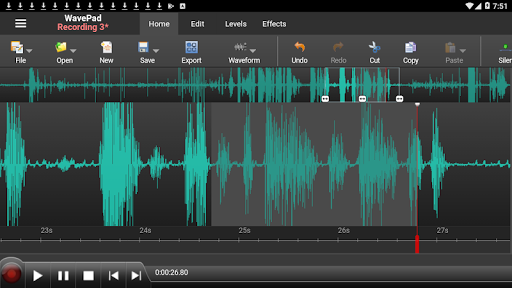
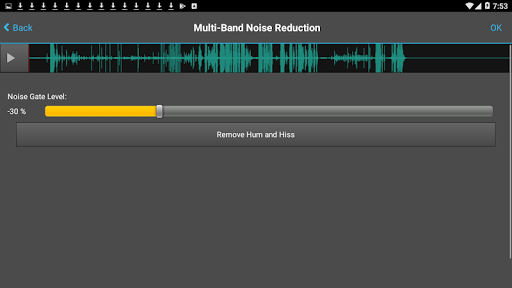
When editing audio files, you can cut, copy and paste parts of recordings, and then add effects like echo, amplification and noise reduction.
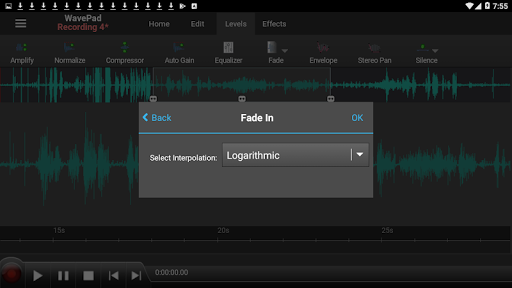
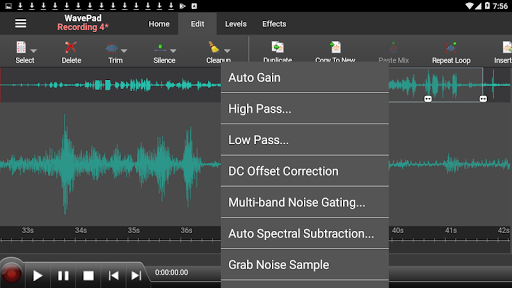
WavePad works as a WAV or MP3 editor, but it also supports a number of other file formats.Features:• Supports a number of file formats including MP3, WAV (PCM), WAV (GSM) and AIFF.• Sound editing tools include cut, copy, paste, delete, insert, silence, auto-trim, compression, pitch shifting and more•Audio effects include amplify, normalize, equalizer, envelope, reverb, echo, reverse and many more• Audio restoration features including noise reduction and click pop removal• Supports sample rates from 6 to 192kHz, stereo or mono, 8, 16, 24 or 32 bits• Easy to use interface will have you utilizing non-destructive audio editing in minutes• Sound effect library includes hundreds of sound effects and royalty free music clipsWavePad Audio Editor Free supports directly editing waveforms for quick editing, such as inserting sound from other files, making new recordings, or apply sound effects like the high pass filter to clarify audio quality.
This free sound editor is ideal for anyone who needs to make recordings and edit on the go.
WavePad makes it easy to store or send recordings so they are readily available wherever they are needed.This free version is licensed for non-commercial use only.
For commercial use, please install the version here: https://play.google.com/store/apps/details?id=com.nchsoftware.pocketwavepad
https://andro.io/app/pocketwavepad-free
 Power 100
Android app profile
WavePad Audio Editor for Android – Latest Version & Features
by NCH Software
★★★★★
(0 ratings)
Rate this app
How do you feel about WavePad Audio Editor?
Thanks for your feedback!
> 2.2k
Monthly Downloads
~$900
Estimated Cost
Screenshots









