
IMPORTANT #1: To use the watch face you must:1.
Hold down on your current watch face to enter selection mode.2.
Scroll to the right until you see "+" and click on it.3.
Scroll until you see "Pixel Style Digital", and select it.4.
Read "IMPORTANT #2".IMPORTANT #2: Make sure you allow all permissions requested!
In case you accidentally denied access to health data, restart your watch.
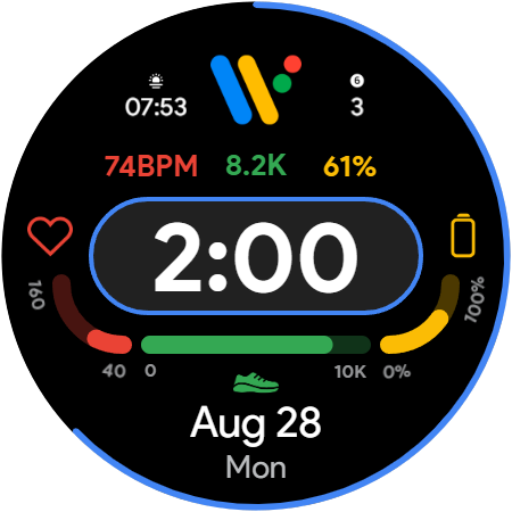
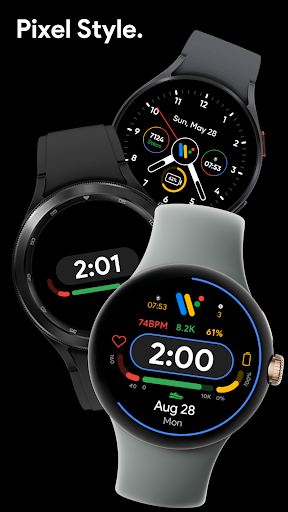
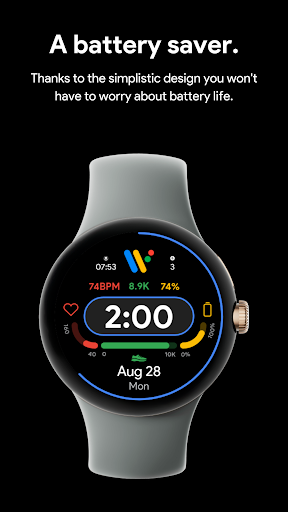
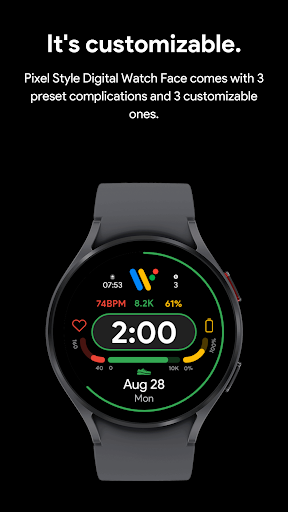
To do this, you just need to power your watch off and turn it back on.Features:• 24hr/12hr time switching• Battery Bar• Steps Bar• HR Bar• 3 customizable complications• 13 color combinations to choose from• AOD supported• Does not store any of your personal data• Battery efficientBug report & suggestions:Contact [email protected] OS by Google and Pixel are trademarks of Google LLC.
https://andro.io/app/pixelstyledigitalwatchface
 Power 100

Android app profile
Pixel Style Digital Watch Face for Android – Latest Version & Features
★★★★★
(0 ratings)
Rate this app
How do you feel about Pixel Style Digital Watch Face?
Thanks for your feedback!
> 2.2k
Monthly Downloads
~$900
Estimated Cost
Screenshots









