
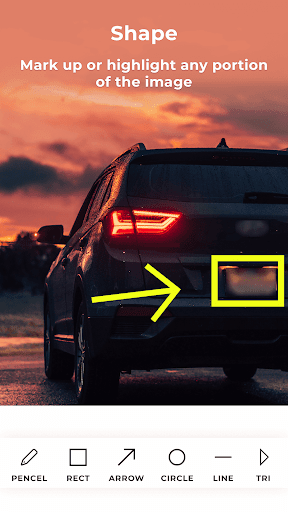
With Photo Markup you can add text, arrow, shapes, lines, curves, circle, stickers, free hand drawing & text on photos, images, drawings, diagrams etc.A very useful tool for everyone specially for students, teachers, architect, doctors and other professionals.
With this tool we can point out important portions on photos, add text for further explanations, free hand drawing to write or draw something on photos.
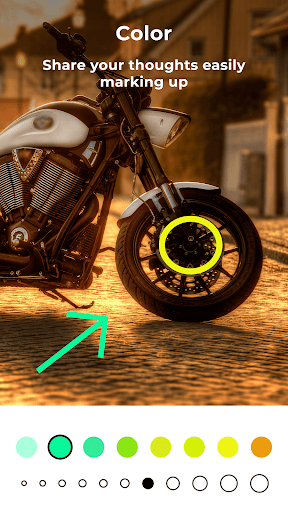
App Features:- Add markups on images from gallery or capture new images using mobile camera.- Use pencil tool for freehand drawing or writing on photo with different thickness and color option.- Create any size or thickness arrow with arrow tool with different thickness and color option.
- Add ready shapes like triangle, rectangle, lines or circles.
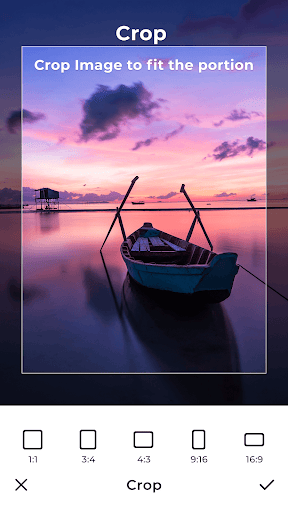
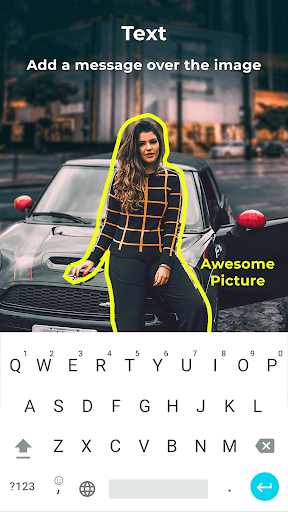
- Add text to images with different color, size and font style.- Cropping feature to crop image with desired size and ratio.
https://andro.io/app/picmarkup
 Power 100
Android app profile
Photo Markup: Draw & Annotate for Android – Latest Version & Features
★★★★★
(0 ratings)
Rate this app
How do you feel about Photo Markup: Draw & Annotate?
Thanks for your feedback!
> 2.2k
Monthly Downloads
~$900
Estimated Cost
Screenshots




