
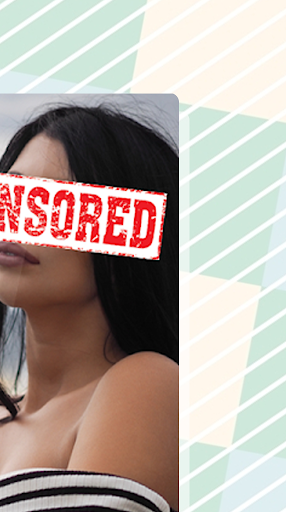
Censored Photo Editor Create a censored picture with easiest way to censor your photo or selfie.Add points of censorship , adjust sizes and positions and then apply the desired filters: pixelate, blur, crystallize, emboss, negative, etc..Hide pictures areas or faces, blur any part of your photo before share them.Very effective!
Protect your selfies and your privacy!We have selected these stickers to get the job doneHow To use1.
Get inside the stickers app.2.
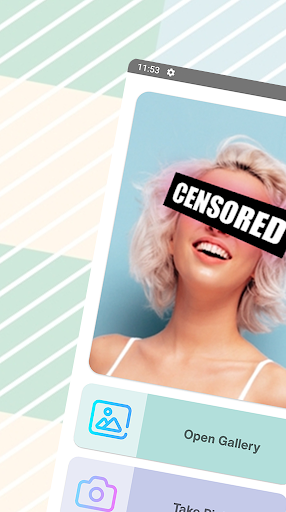
Select a picture from your gallery or take a picture with your camera in the moment3.
Check available stickers in the stickers gallery4.
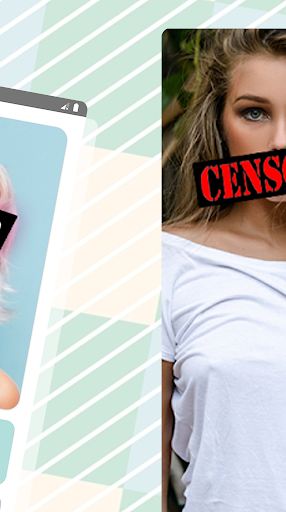
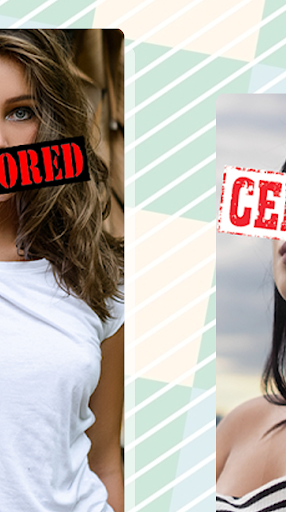
Select a sticker and position it in the screen.
You can magnify, zoom it and rotate until it gets placed in the right spot5.
Select more stickers and repeat until you are thug enough6.
You can also write some text, edit it.
Select also font size and color and zoom it or rotate it7.
When you are good enough, save the picture in your phone.
You can also send it to friends right there.8.
And thats it, you are cool enough, use it as many times as you want for freeFeatures:# Easy to use.
Easy interface and experience.# For free, use it as many times as you want# Variety of stickers# Low space on your phone# Load pictures or take them instantly with the app
https://andro.io/app/photoeditor-1ubpe
 Power 100
Android app profile
Censored Photo Editor for Android – Latest Version & Features
by BidaStudio
★★★★★
(0 ratings)
Rate this app
How do you feel about Censored Photo Editor?
Thanks for your feedback!
> 2.2k
Monthly Downloads
~$900
Estimated Cost
Screenshots









