
PhotoByte is an android application, developed only for image compression.
This app can compress images of large size says in MB, even in GB, into smaller sizes such as MB, KB without losing the quality.Features of PhotoByte app:1.
Compress images in any number2.
Fully offline image compression3.
Supports 3 image formats – JPG, PNG, and WebP4.
Supports compression in 3 formats – JPG, PNG and WebP5.
Resize final image6.
Single click to locate the compressed files in File Explorer or Phone’s Image GalleryHow to use this app?
It’s very easy and straightforward.
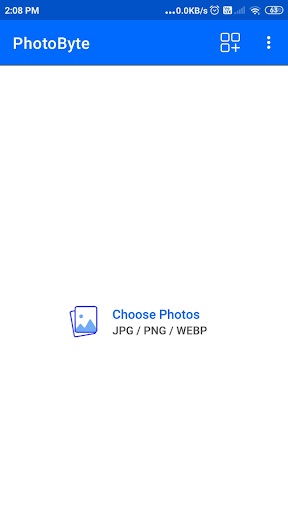
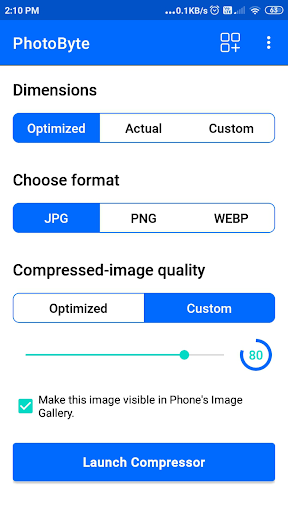
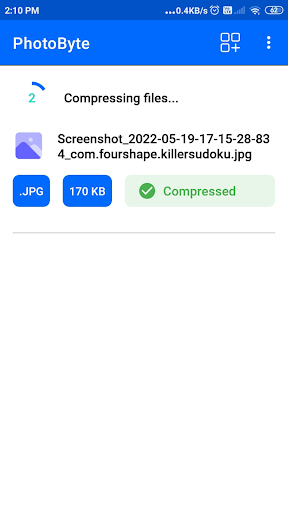
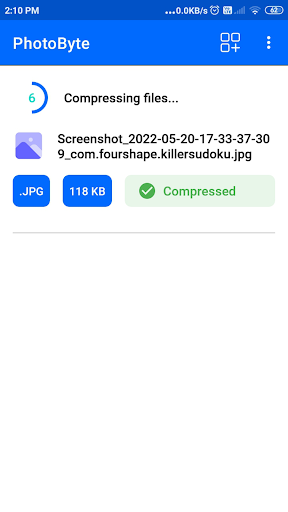
It involves just 4 steps only as follows.Step-1: Open the app.Step-2: Select any number of photos.Step-3: Set configuration for image compressionStep-4: Press “Launch Compressor” button.Supported image formats:JPG, JPEG, PNG, WebPSupported image compression quality:1 to 100Number of images supported at a time for compression:UnlimitedThe unique thing feature of this app is its ability to find the optimize dimensions and compression-quality for the images.
Supported compression dimensions:1.
Optimized (decided by app)2.
Actual to original image3.
ManualTime this app takes to compress an image of size 10MB: 0.15-0.20 secondAll the compressed images are store in external storage under the folder “PhotoByte”.
In addition to that, the name of compressed images will be same to the original files.
Just “-min” will be appended for easy differentiation.Furthermore, you can submit any query on [email protected] or Twitter (https://twitter.com/GujMcqApps)Thanks for your attention to this app.
https://andro.io/app/photobyte
 Power 100
Android app profile
PhotoByte: Image Compressor for Android – Latest Version & Features
by GujMCQ Apps by Kunjesh Virani
★★★★★
(0 ratings)
Rate this app
How do you feel about PhotoByte: Image Compressor?
Thanks for your feedback!
> 2.2k
Monthly Downloads
~$900
Estimated Cost
Screenshots









