
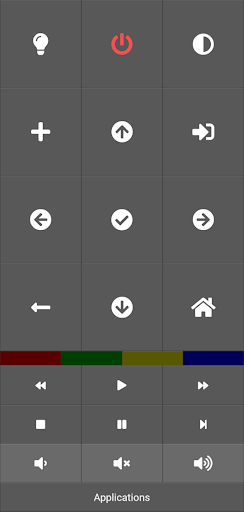
This is an application providing remote control to Philips Android TV.Contrary to most apps in the store it has ABSOLUTELY NO ADS!The remote does not have any keys associated with watching TV as it is intended to control smart features and watching streaming services.
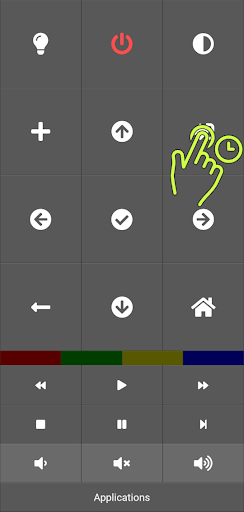
If this is a problem for you, just file an issue.Pairing your TVTo pair the TV hold the source button for 2 seconds.
The pairing window will appear and you should be able to select your TV from the list (make sure it is turned on).If the program does not discover your TV automatically, you need to specify its IP manually.
First, open settings on your TV and select Wireless and Networks > Wired of Wi-Fi > View network settings.
Note the IP address of your TV.
Next, hold the source button for 2 seconds and click Advanced...
to open settings.
Then enter the IP of the TV in the appropriate box and click Pair button to pair the app with your TV.
https://andro.io/app/philipstv
 Power 100

Android app profile
PhilipsTV Kivy Remote for Android – Latest Version & Features
by Maciej Dems
★★★★★
(0 ratings)
Rate this app
How do you feel about PhilipsTV Kivy Remote?
Thanks for your feedback!
> 2.2k
Monthly Downloads
~$900
Estimated Cost
Screenshots









