
A lightweight pdf tools app dedicated for mobile.
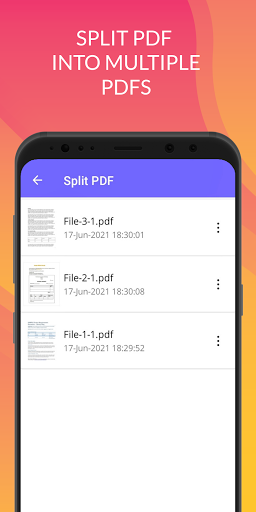
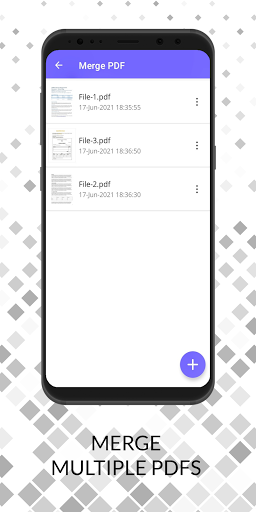
It is very easy to use and provides multiple ways for modifying and creating PDFs.Pdf Center features :- Convert multiple images to PDF- Easy to share generated PDF file- Compress PDF- Unlock PDF- Protect PDF- Web to PDF- Add page numbers to PDF- Split PDF into multiple PDFs- Extract images from PDF- Merge PDF or Images into a single PDFMerge PDF : Select two or more PDFs and merge into a Single PDF Document.Split PDF: Split a PDF file with multiple ranges into multiple files.Web to pdf: Convert any website to pdf.
Just enter the URL of the website and let the app do the work.Compress PDF: Compress your PDF to a much smaller size.Add page numbers to pdf: Add page numbers to pdf easily just with a single tap.Lock PDF (Encrypt PDF): Enjoy an unlimited privacy of your PDF Document by encrypting it with a Password.Unlock PDF (Decrypt PDF) : Remove password from a PDF to enjoy hassle free access.
https://andro.io/app/pdfutils-1hzuy
 Power 100


Android app profile
PDF Tools – PDF Utilities for Android – Latest Version & Features
★★★★★
(0 ratings)
Rate this app
How do you feel about PDF Tools – PDF Utilities?
Thanks for your feedback!
> 2.2k
Monthly Downloads
~$900
Estimated Cost
Screenshots









