
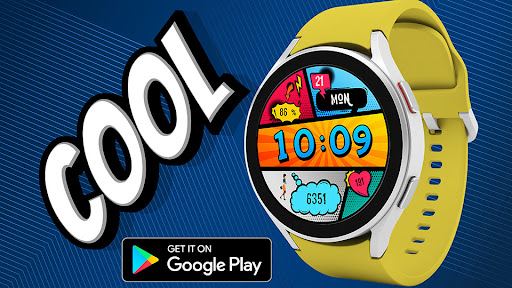
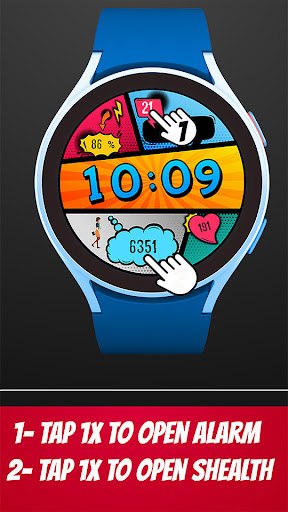
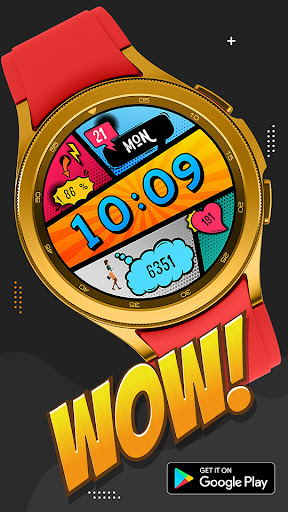
Pars Pop Art Watch FaceEasy to read Pop Art Design digital watch face for WearOs 3.0+ devices.FEATURESPop Art Digital watch face* 12/24 hours time format.* Month of the year.
* Day of the week.
* Battery status.
* Steps counter.* Heart Rate (tap to measure).NOTE :Make sure you have allowed the access sensor.IMPORTANT NOTICE :Watch face not installed on your watch?Follow the steps:- Open the Pars Pop Art Watch Face on your phone.- Press the `INSTALL WATCH FACE ON WATCH` button at the bottom of the app.- Complete the installation process from the window that opens on your watch.IMPORTANT NOTICE :Watch face has an automatic 30 minute interval heart rate measurement implemented.Heart rate measurement is currently independent of measurements from other applications.Manual measurement is also possible - tap on heart rate gauge.MY WATCH FACES CATALOGhttps://play.google.com/store/apps/dev?id=7655501335678734997NOTE : If you get the message "Your devices are not compatible" instead of app on phone, please use Play Store in WEB browser from PC or Laptop.
https://andro.io/app/parspopart
 Power 100

Android app profile
Pars Pop Art Watch Face for Android – Latest Version & Features
★★★★★
(0 ratings)
Rate this app
How do you feel about Pars Pop Art Watch Face?
Thanks for your feedback!
> 2.2k
Monthly Downloads
~$900
Estimated Cost
Screenshots









