
THIS IS NOT A SELF APPLICATION.
NEEDED Please install the following apps first if you dont have: - KLWP Live Wallpaper Maker https://play.google.com/store/apps/details?id=org.kustom.wallpaper - KLWP Live Wallpaper Maker Pro Key https://play.google.com/store/apps/details?id=org.kustom.wallpaper.pro - Nova Launcher https://play.google.com/store/apps/details?id=com.teslacoilsw.launcher WYSIWYG (What You See Is What You Get).
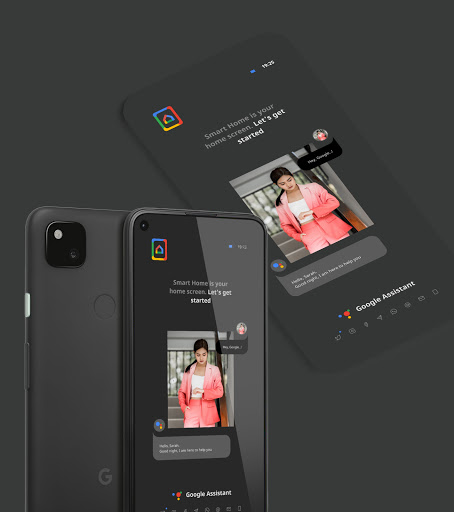
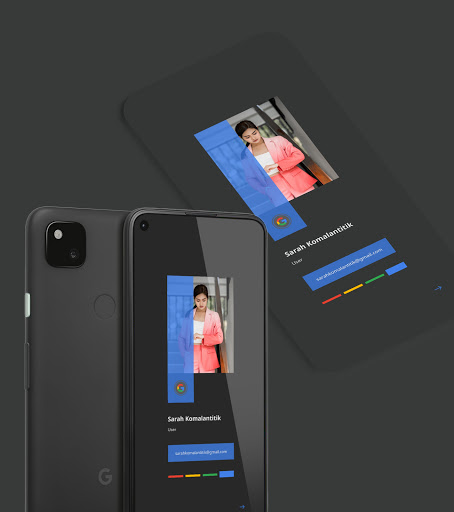
There is no need to change many things in the presets, we provide them in the "GLOBAL" column which allows you to describe your profile and customize the application shortcut keys in the "SHORTCUTS" column in the KLWP application.
Like the title or preset name we created with , all favorite apps are apps and services from Google.
Maybe some apps are not available in your region/country.
Therefore, you need to personalize yourself in the shortcut field in the KLWP app.
Add alternative app shortcuts instead.
SETUP 1.
Install KLWP and favorite launcher, Nova Launcher recommended).
2.
Open KLWP and tap the menu icon in the top left corner.
3.
In the menu, select the folder icon (perhaps at the top of the menu list).
3.
Switch to the installed tab and select your preset.
4.
Once the preset is loaded, Tap the save icon to apply the preset, then set KLWP as wallpaper.
Done & Enjoy!
https://andro.io/app/pack-1qf33
 Power 100

Android app profile
Hommy - KLWP Pro for Android – Latest Version & Features
by Yudiceae
★★★★★
(0 ratings)
Rate this app
How do you feel about Hommy - KLWP Pro?
Thanks for your feedback!
> 2.2k
Monthly Downloads
~$900
Estimated Cost
Screenshots









